ECC vs Non-ECC RAM: Why It Matters for Servers & Workstations
By Rohit, Founder ·
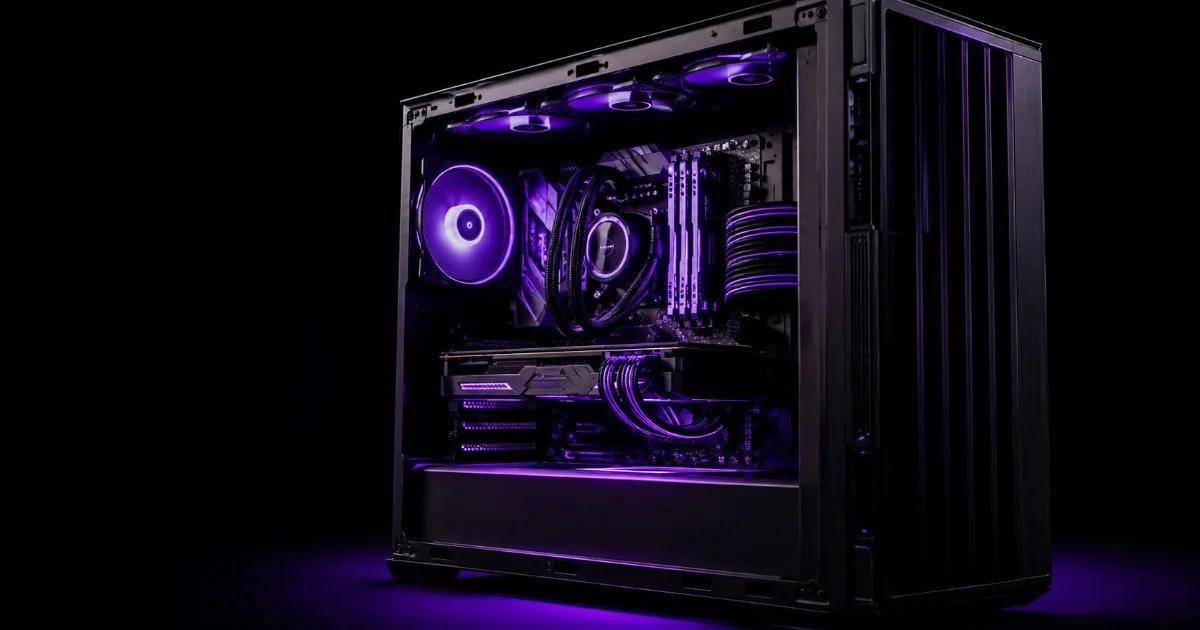
When you specify a server or a high-end workstation, one decision quietly shapes its reliability for years: the choice between ECC vs non-ECC RAM. ECC (Error-Correcting Code) memory detects and fixes the tiny bit-level errors that creep into system memory, while standard non-ECC RAM simply passes them through. On a gaming PC that might mean an occasional crash. On a database, payment gateway, or AI training rig, it can mean corrupted records that nobody notices until it is too late. This guide explains what ECC really does, who needs it, the cost and performance trade-offs, and why every ProStation build defaults to ECC unless you tell us otherwise.
What is ECC memory, and what is a bit flip?
Computer memory stores data as billions of electrical charges. Cosmic rays, electrical noise, heat, and ageing components can occasionally flip a single bit, turning a 0 into a 1. This is called a soft error or bit flip. ECC RAM adds extra parity bits and a memory controller that can:
- Detect single-bit and multi-bit errors as they happen.
- Correct single-bit errors automatically, on the fly, with no downtime.
- Log and report errors so administrators can replace a failing module before it causes an outage.
Non-ECC RAM has none of this. If a bit flips, the wrong value is used silently. Most consumer machines never notice. But across a 24x7 server with hundreds of gigabytes of RAM, the statistical odds of an undetected error rise sharply.
How ECC prevents silent data corruption
The real danger of non-ECC memory is not the dramatic crash; it is the error you never see. A flipped bit in a financial transaction, a medical record, or a virtual machine's memory page can write incorrect data straight to disk. The system keeps running, the number is simply wrong, and the corruption may propagate through backups for weeks before anyone catches it. ECC closes this gap by correcting the error in real time and flagging the module that produced it. For any workload where data integrity is non-negotiable, this single capability justifies the choice on its own.
Who actually needs ECC RAM?
ECC is not a luxury for these workloads; it is a baseline expectation:
- Databases and ERP systems where a single corrupted row can break reconciliation and reporting.
- Fintech and payments, where a wrong digit is a compliance and financial risk. See how we approach this on our fintech servers page.
- Healthcare and life sciences, where patient data and imaging must stay accurate and auditable. Read more on our healthcare servers page.
- AI and machine learning, where long training runs on large datasets can silently diverge if memory corrupts a gradient or a weight.
- Virtualization and consolidation, where one host runs many VMs and a single memory fault can affect every guest. Our virtualization servers are built around this reliability requirement.
- Storage, NAS, and backup nodes, where in-flight corruption defeats the whole purpose of keeping safe copies.
Server vs workstation: where ECC fits
On a server, ECC is effectively mandatory. Server-grade platforms built on Intel Xeon Scalable and AMD EPYC are designed around registered ECC DDR4/DDR5, and the whole point of a server is to run unattended for months. A silent error there is far costlier than the small premium ECC adds.
Workstations are more nuanced. A creative editing or light office machine can run fine on non-ECC RAM. But a professional workstation used for engineering simulation, 3D rendering, scientific computing, financial modelling, or AI development handles the same high-stakes data as a server, just at a desk. For these users we recommend ECC. You can explore both classes on our servers and workstations range and tailor the exact configuration in our custom build tool.
The cost and performance trade-off
ECC is not free, and it is fair to weigh the trade-off honestly:
- Cost: ECC modules carry a modest premium over equivalent non-ECC sticks, and they require a CPU and motherboard that support ECC. Server platforms include this support as standard.
- Performance: the parity-checking step adds a very small latency overhead, typically a few percent at most. In real workloads this is negligible and is dwarfed by the cost of a single undetected error or an unplanned outage.
- Total cost of ownership: when you factor in downtime, debugging time, and the risk of corrupted data reaching production, ECC almost always pays for itself on any serious server.
When is non-ECC RAM perfectly fine?
We do not believe in overspecifying. Non-ECC RAM is the sensible, economical choice for plenty of scenarios:
- General office desktops, browsing, and productivity machines.
- Gaming and consumer media systems, where an occasional restart is harmless.
- Disposable test benches and short-lived development sandboxes that hold no critical data.
For these, paying for ECC adds cost without meaningful benefit. The honest answer in the ECC vs non-ECC RAM debate is that it depends entirely on what the data is worth, and our consultants will tell you straight when non-ECC is the smarter spend.
Why ProStation builds default to ECC
Because we build brand-new, custom tower servers and workstations for businesses that run real workloads, our default configuration uses ECC DDR4 or DDR5 memory on Intel Xeon Scalable and AMD EPYC platforms. It is the responsible default for systems meant to run reliably for years under warranty. If your use case genuinely does not need it, we will configure non-ECC and pass the saving on, no upselling involved. This balanced, build-new philosophy is the same one our parent brand applies across its range at Serverwale.
Every ProStation system ships with free consulting, roughly 4-day delivery, a 1 to 3 year warranty, and 24x7 support across India, the USA, and Dubai, so the memory decision is made with an engineer, not guessed at. Tell us your workload and we will spec the right reliability for your budget.
Ready to get the memory and reliability right the first time? Start your build in our custom configurator or book a free session with our team on the consulting page, and we will match ECC or non-ECC RAM precisely to what your data is worth.