CAD & Engineering Workstation in India (2026): How to Spec Your Build
By Rohit, Founder ·
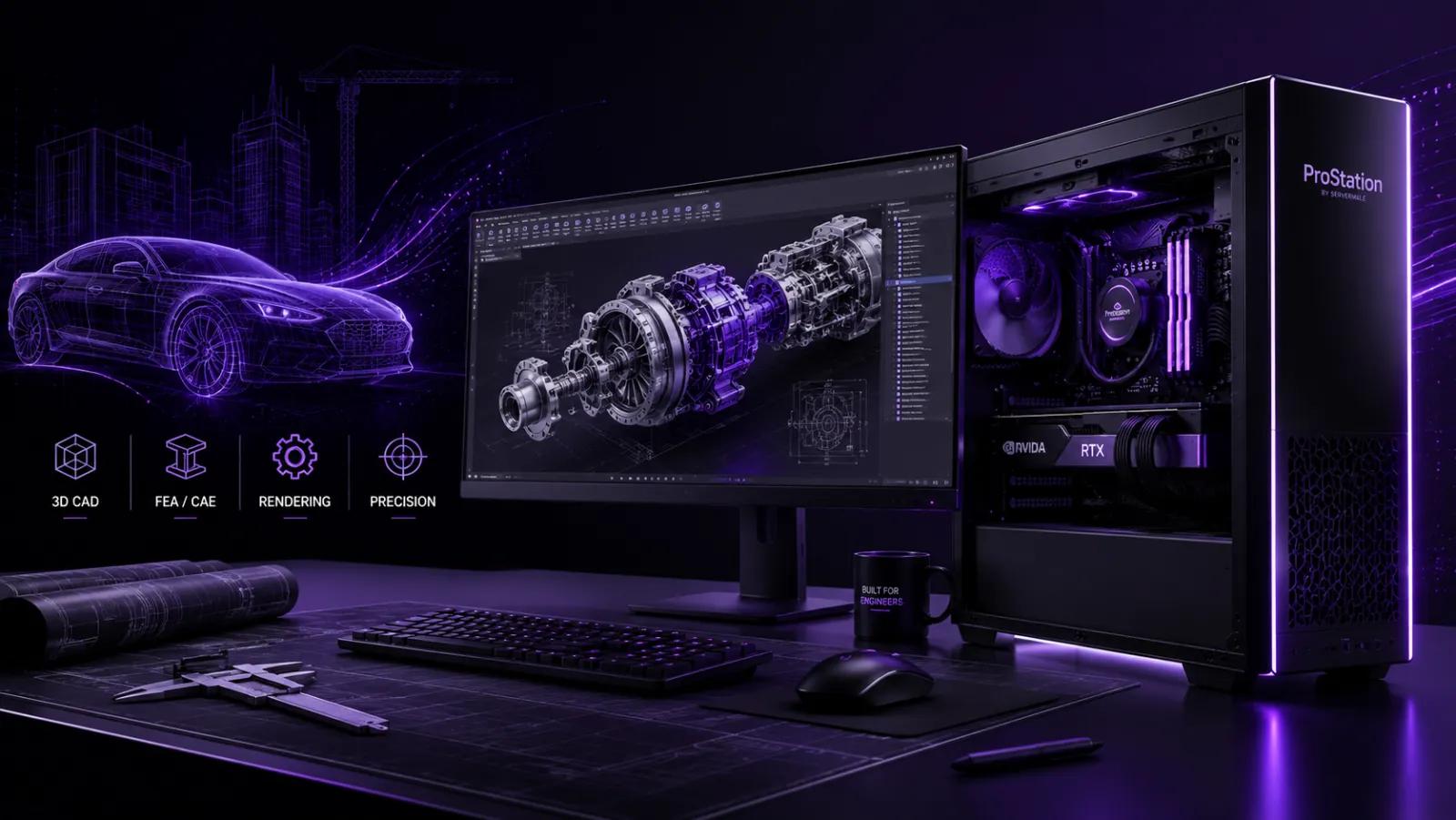
CAD, CAM and CAE software — SolidWorks, AutoCAD, CATIA, Creo, ANSYS, Revit — punish under-specced machines with laggy viewports and slow simulations. A purpose-built CAD/engineering workstation fixes that. This 2026 guide explains how to spec one for India, what each application actually needs, and how to get it built right by ProStation Systems.
What CAD software actually needs
Most CAD modelling is single-thread heavy — a fast CPU with strong per-core performance matters more than raw core count for smooth modelling. Simulation (CAE/FEA/CFD) is the opposite: it wants many cores and lots of RAM. Rendering and real-time viewports lean on the GPU. So the right build depends on whether you mostly model, simulate, or render.
Spec guide by workload
| Primary work | Prioritise | Typical build |
|---|---|---|
| Modelling (SolidWorks, AutoCAD, Revit) | High single-thread CPU + pro GPU | Fast Xeon W / Ryzen, 32–64 GB, RTX/pro GPU |
| Simulation (ANSYS, Abaqus, CFD) | Many cores + lots of RAM | Dual Xeon / Threadripper, 128–256 GB ECC |
| Rendering / viz (KeyShot, Lumion) | Strong GPU + VRAM | RTX 4080/4090, 64–128 GB |
Choosing the GPU is its own decision — our GPU build guide covers VRAM and card selection that applies to viz workloads too.
The components that matter most
- CPU — for modelling, pick high clock speed / strong single-core; for simulation, maximise cores.
- GPU — a professional or high-end consumer GPU with enough VRAM for large assemblies and viz.
- RAM — 32 GB minimum, 64–128 GB for big assemblies, 256 GB+ for serious FEA/CFD; ECC for reliability.
- Storage — NVMe SSD for OS, projects and simulation scratch; capacity for large datasets.
Workstation or a shared server?
Individual engineers are best served by a powerful custom workstation at the desk. For heavy overnight simulations, a separate compute server frees up the workstation — see the difference in our tower vs rack and cluster guides. Plan budget with the custom server cost guide.
New or refurbished?
A primary engineering workstation is usually best new for full warranty and reliability under deadline pressure; a secondary simulation node can use refurbished hardware to save money — see new vs refurbished servers. To choose exact parts, configure a custom build.
Frequently Asked Questions
What is the best workstation for SolidWorks / AutoCAD in India?
For modelling, prioritise a high single-thread CPU and a capable pro/consumer GPU with 32–64 GB RAM. For large assemblies or simulation, add cores and RAM. A custom build lets you match the spec to your exact software.
Do I need a professional GPU for CAD?
For most modelling, a high-end consumer GPU works well; certified pro GPUs help with very large assemblies, specific driver certifications and viz. Choose based on your software's certification needs.
How much RAM do I need for CAD?
32 GB is a sensible minimum; 64–128 GB for large assemblies; 256 GB+ for serious FEA/CFD simulation. ECC adds reliability for long runs.
Can ProStation build it for my software?
Yes — tell us your applications (SolidWorks, ANSYS, Revit, etc.) and we'll spec the right CPU, GPU, RAM and storage. Free consulting or contact us.
Build your CAD workstation
ProStation builds brand-new, custom CAD and engineering workstations — assembled, tested and backed by a warranty and support plan, with pan-India delivery.
📞 +91-87968-22044 | Configure your build | Contact ProStation Systems