Intel Xeon E vs Xeon Scalable for Custom Servers in India (2026 Guide)
By Rohit, Founder ·
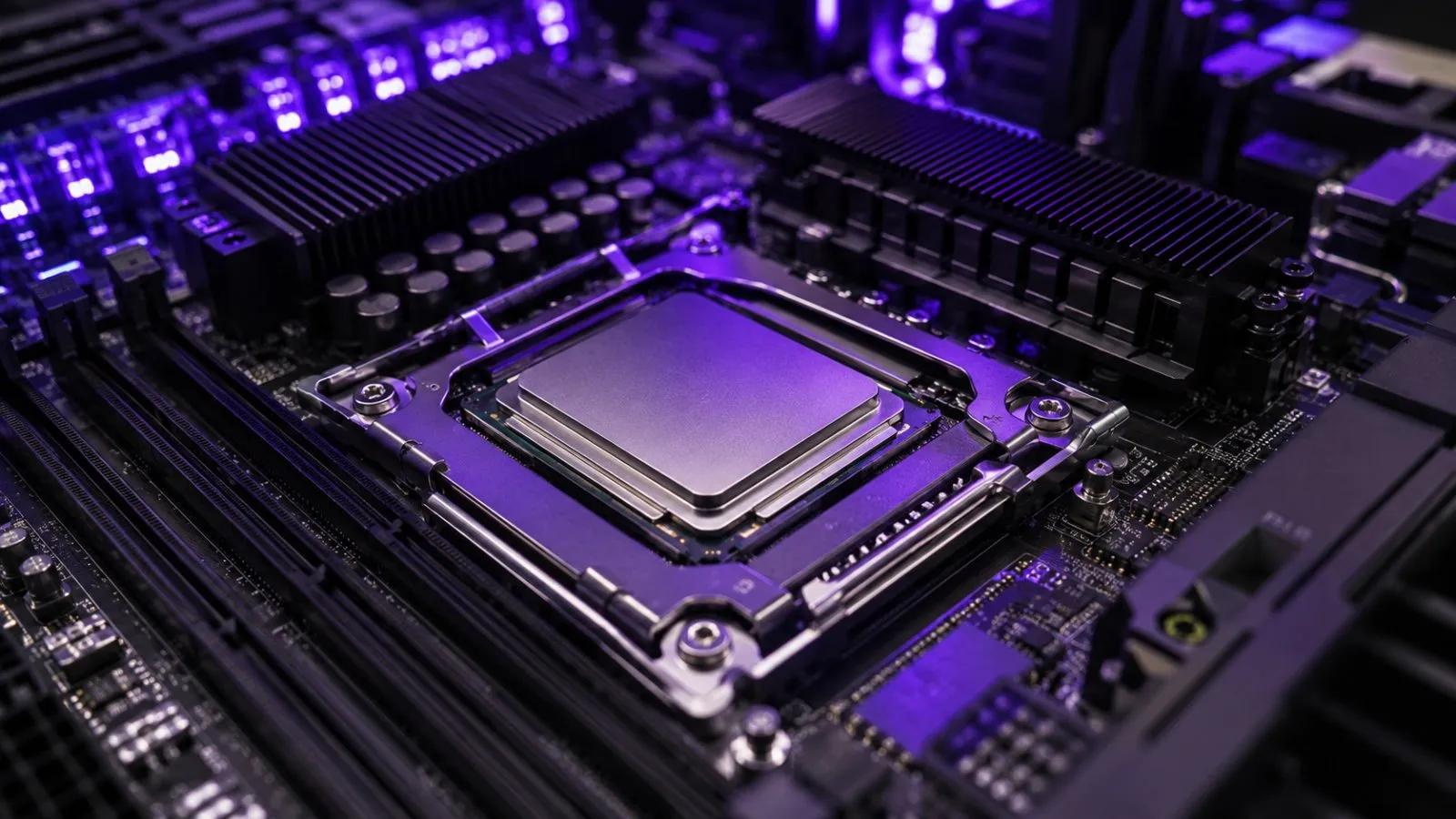
Every ProStation Systems server runs on an Intel Xeon processor, so the real CPU decision for a custom build is not "which brand" — it's which Xeon family fits your workload. In practice that means choosing between Intel Xeon E (entry, single-socket) and Intel Xeon Scalable (mid-range to high-end, single or dual socket). Pick too small and you hit a memory or PCIe ceiling; pick too big and you pay for cores and lanes you never use. Here's how the two differ for a custom-built server in India, and which one suits which job.
Intel Xeon E: the right-sized entry platform
Xeon E processors are built for single-socket entry servers. They carry fewer cores than Xeon Scalable parts, but they typically run at higher clock speeds, which suits workloads that care more about per-core speed than total thread count. They support ECC memory, which is the whole point of choosing a server platform over a desktop one, and they keep the overall build cost down.
Good fits for Xeon E: small-business file servers, accounting and ERP installs, light web and application hosting, a single small VM host, and small NAS or backup boxes. The trade-off is headroom — Xeon E platforms have a lower ceiling on memory capacity and fewer PCIe lanes, so they are a poor base for GPU-heavy or many-VM builds. In our lineup this is the Starter tier.
Intel Xeon Scalable: more cores, more memory, more lanes
Xeon Scalable is the step up when your workload needs real throughput. Compared with Xeon E it offers higher core counts, more memory channels and support for much larger ECC DDR4 capacity, and more PCIe lanes for GPUs, NVMe drives and fast network cards. It also allows dual-socket configurations, which roughly doubles the cores, memory slots and expansion capacity of a single server.
That combination is what virtualization hosts, databases, rendering nodes and AI/ML servers actually depend on. A virtualization host needs cores and RAM to give every VM breathing room; a multi-GPU build needs enough PCIe lanes that every card and NVMe drive runs at full bandwidth. In our lineup, a single Xeon Scalable is the Pro tier and a dual Xeon Scalable is the Ultra tier.
Memory: ECC DDR4 on every tier
All ProStation builds use ECC DDR4 memory. ECC detects and corrects single-bit errors before they corrupt data, which matters for databases, long renders and multi-day training runs. What changes between families is how much memory you can install: Xeon E suits the smaller capacities used by Starter builds, while Xeon Scalable — especially in a dual-socket board — is what makes 256–512GB configurations practical. For a deeper look, see our guide to ECC vs non-ECC RAM in servers.
Per-core speed and software licensing
Core count isn't the whole story. Some applications — certain database engines, older enterprise software, anything that doesn't spread cleanly across many threads — are limited by single-thread speed. Others are licensed per core or per socket, where fewer, faster cores can cost less to license than a large core count. In both cases a higher-clocked Xeon E or a carefully chosen Xeon Scalable part can be the better value than simply buying the most cores. Check your software's licensing terms before you spec the CPU.
PCIe lanes and GPUs
This is the factor most buyers underweight, and it matters most for AI/ML and rendering. Each GPU wants a full set of PCIe lanes, and so do NVMe drives and 10/25GbE network cards. Xeon E has limited lanes, so it is best kept to builds with no GPU or a single entry GPU. Xeon Scalable has the lane budget for multi-GPU layouts, and a dual-socket board gives you more still. If you plan to run 2–4 GPUs, start from Xeon Scalable. Our GPU server guide for AI training covers this in more detail.
Pricing in India: what actually moves the number
The CPU is usually a smaller share of total cost than the GPU, RAM or storage configuration around it, especially on an AI/ML training server build. Xeon E keeps entry builds affordable; Xeon Scalable costs more but is what lets one server replace several smaller ones or carry multiple GPUs. Exact pricing depends on your configuration — see our AI training server cost guide for a tier-by-tier breakdown, or talk to us for a real quote rather than budgeting off a generic number.
Which Xeon for which workload
- File server, accounting/ERP, light apps, small NAS — Xeon E (Starter). Plenty for the job, lowest cost.
- Virtualization hosts and databases — Xeon Scalable (Pro) for cores, RAM capacity and room to grow. See our virtualization server builds.
- 3D rendering and video encoding — Xeon Scalable; dual-socket (Ultra) if you want maximum cores in one chassis.
- AI/ML training and inference — Xeon Scalable, single or dual socket, depending on how many GPUs and how much RAM you need.
- Single-thread-bound or per-core-licensed software — Xeon E or a high-clock Xeon Scalable part, chosen after checking the licensing math.
Our honest recommendation
Match the Xeon to the workload, not to the biggest spec sheet. If your needs are file serving, a business application or a single small VM, Xeon E is the sensible, economical choice. If you are consolidating several workloads, running a database, rendering, or adding GPUs, go with Xeon Scalable — and step up to dual socket only when you genuinely need the extra cores, memory or lanes. We build to order at ProStation Systems and will tell you plainly which tier fits, even when that means recommending the smaller one.
Frequently Asked Questions
What is the difference between Intel Xeon E and Xeon Scalable? Xeon E is an entry, single-socket platform with fewer cores and a lower memory and PCIe ceiling. Xeon Scalable offers more cores, more memory channels, more PCIe lanes and dual-socket support, and is the base for virtualization, rendering and AI/ML servers.
Does ProStation use ECC memory? Yes — every build uses ECC DDR4 memory so single-bit errors are corrected before they can corrupt data.
Do I need a dual-socket server? Only if one Xeon Scalable CPU can't give you the cores, RAM slots or PCIe lanes you need. Many virtualization and database workloads run well on a single Xeon Scalable processor.
Can I upgrade the CPU later? Only within the same socket family. The CPU choice locks in your motherboard, memory type and expansion options, which is why we recommend a spec conversation before you order.
Does the CPU choice affect warranty? No — every ProStation server carries the same 1-year hardware warranty regardless of Xeon family. Extended warranty (2 or 3 years) is available at an additional charge.
Not sure which Xeon fits your workload?
Tell us what you're actually running, and we'll recommend the right Xeon tier honestly — then build and test the machine before it ships. ProStation Systems — call or WhatsApp +91-87962-44410, free pre-buy consulting at prostationsystems.com/consulting.