Quiet Custom Workstations for Shared & Open-Plan Offices
By Rohit, Founder ·
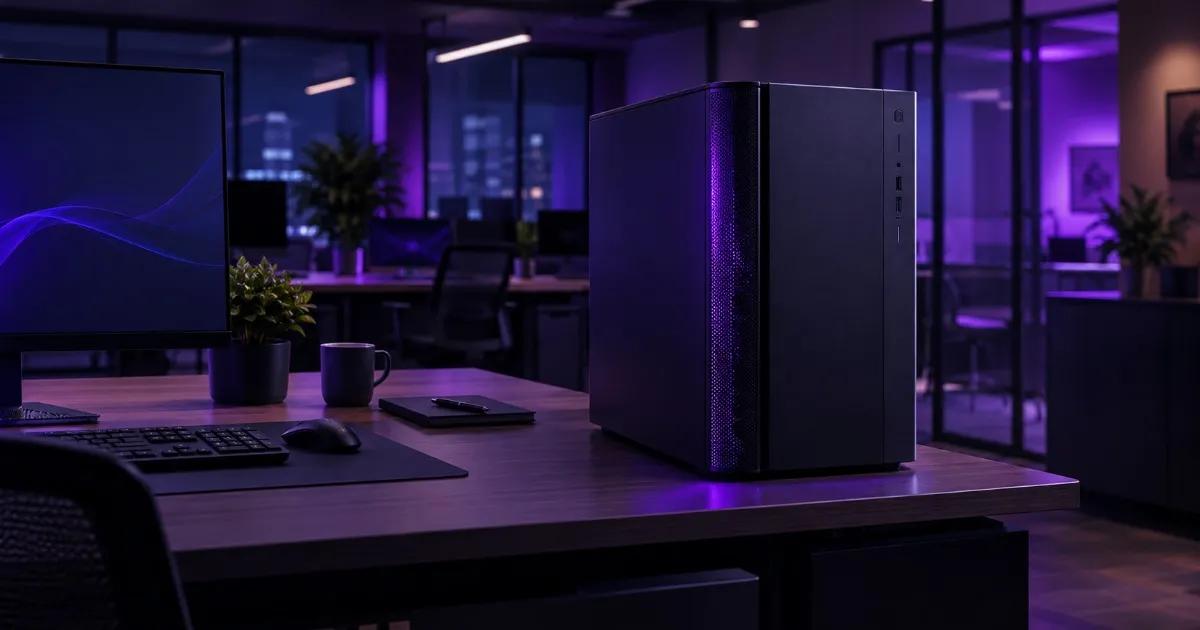
A workstation or small server that runs hot under sustained load almost always gets loud, because its fans have to spin faster to move the extra heat. In a shared or open-plan office, that fan noise sits right next to people on calls and in meetings — so the fix isn't a "quiet PC" gimmick, it's proper thermal engineering: enough heatsink mass and airflow that the fans never need to scream in the first place.
Why This Becomes an Office Problem, Not Just a Comfort One
Most office towers and workstations are built around consumer components tuned for burst performance — a game for an hour, a render overnight when no one's around. Put that same hardware under continuous daytime load (a database, a small VM host, an always-on render or edit machine sitting under someone's desk) and the stock cooling has to work much harder for much longer. The fans respond the only way they can: higher RPM, more turbulence, more noise — for the whole working day, in a room full of people trying to think and take calls.
This is different from a data center, where noise is expected and staff aren't sitting next to the rack all day. An open-plan office or a coworking desk doesn't have that luxury — the machine has to be both capable and bearable to sit next to.
What Actually Makes a Workstation Loud Under Load
It's rarely the fans themselves — it's what they're being asked to compensate for:
- Small heatsinks with low thermal mass. Less metal to absorb heat means temperatures spike faster, so the fan curve has to react faster and harder.
- Fans chosen for airflow, not static pressure. A cramped tower case restricts airflow paths; a fan that isn't built to push air through that restriction just spins faster to compensate, which is louder for the same cooling result.
- Case designs optimized for looks, not airflow. Tinted glass panels and tight component spacing look good on a desk but trap heat, forcing every fan in the system to work harder.
- No headroom for sustained load. Hardware validated for a benchmark run, not for 8 hours of continuous use, tends to hit its thermal ceiling and stay there — which is exactly where fan noise is worst.
How ProStation Builds for Quiet, Sustained Performance
ProStation Systems' engineering position, in plain terms: heat is the silent killer of both performance and comfort, and most workstation failures in the field — hangs, throttling, premature component wear — trace back to bad airflow, not bad luck. The fix isn't RGB fans or a bigger radiator; it's high-mass air cooling paired with high-static-pressure fans, so the system has enough thermal capacity to absorb sustained load without the fans needing to compensate at full speed. This is the same cooling approach used across ProStation's builds for long, continuous workloads — for example, in creator rendering rigs, where a "quiet, well-cooled chassis" is a stated design goal precisely because those machines run hard for hours, not minutes.
The practical result for an office machine: a tower with genuine thermal headroom stays cooler at a given fan speed than a cramped consumer case, so it simply doesn't need to ramp its fans as hard to hold the same temperature — which is what you actually hear (or don't) sitting next to it.
Right-Sizing for a Shared or Open-Plan Office
Noise engineering only matters if the machine is also sized correctly — an over-specced server idling at high fan speed is just as disruptive as an underpowered one throttling under load. For most shared-office deployments, this maps cleanly onto ProStation's existing tier structure:
| Tier | Typical office fit | CPU | RAM | Storage |
|---|---|---|---|---|
| Starter | File sharing, light apps, a single small VM or Tally/ERP install | Intel Xeon E (entry) | 16–64GB ECC DDR4 | 1TB NVMe SSD |
| Pro | Small team virtualization, a database, growing SaaS/dev workloads | Intel Xeon Scalable | 64–256GB ECC DDR4 | 2TB NVMe SSD + HDD options |
As the existing small-business server guidance already notes: for one to three servers without a dedicated cooled server room, a tower is the right call — quiet, no rack infrastructure needed, and still enterprise-grade underneath. Most open-plan-office deployments land in Starter or Pro; jump to Ultra only if the workload itself demands heavy sustained compute (AI training, large-scale rendering), in which case a dedicated, ventilated space — not an open desk — is the right home for it regardless of how quiet the box is.
A Note on New vs Refurbished for This Specific Use Case
This is one of the few places where the "new vs refurbished" decision has a genuinely physical answer, not just a budget one. Refurbished enterprise rack and tower servers were originally designed to sit in a cooled data-center room, so their stock cooling is typically tuned for maximum airflow at any noise cost — high-RPM, high-static-pressure fans that are excellent in a server room and genuinely unpleasant next to a desk. That's a fair trade in a back-office server closet with the door shut, but a poor one in an open-plan floor. A custom-built ProStation tower, engineered specifically for the target environment, is the more honest fit when the machine has to live where people actually work. For a closed server room where noise doesn't reach anyone, our sister brand Serverwale's refurbished servers remain a genuinely good, budget-friendly option — the two brands are built for different rooms, not different quality tiers.
Frequently Asked Questions
Q1. Can a workstation really stay quiet under a full workday of continuous load?
Yes, if it's engineered for it. The fan noise you hear is the system compensating for insufficient cooling headroom — build in enough heatsink mass and proper-static-pressure airflow, and the fans don't need to spin as hard to hold the same temperature, even across a full working day.
Q2. Is a quiet build slower than a loud one with the same specs?
No — quiet and fast aren't opposites. A well-cooled system with the same CPU/GPU actually sustains its performance for longer, because it doesn't need to thermal-throttle to survive. The noisy alternative is usually a sign the system is fighting its own heat, not proof it's working harder.
Q3. What tier should I pick for a small open-plan office?
For file sharing, light apps or a single small VM, Starter is usually enough. For small-team virtualization, a database or growing SaaS workloads, Pro is the typical fit. Heavy sustained compute (AI training, large-scale rendering) belongs in a ventilated space, not an open desk, regardless of tier.
Q4. Does liquid cooling solve the noise problem better than air cooling?
Not necessarily, and it adds a leak risk that a shared office really doesn't need. ProStation's approach — high-mass air cooling with high-static-pressure fans — holds performance through long sessions without that risk, which is why it's the standard across our builds rather than liquid cooling.
Q5. Should I put a refurbished server in an open-plan office to save cost?
Only if it's genuinely in a closed room the noise doesn't reach. Refurbished enterprise hardware is usually tuned for data-center-style airflow, which is loud by design. For anything sitting near people at desks, a custom-built quiet tower is the better physical fit, even if the refurbished option is cheaper upfront.
Getting the Right Quiet Build for Your Office
"Deployed in our office without any issues" is exactly the outcome a shared-space build is supposed to deliver — as one ProStation customer, Priya Sharma (IT Manager, a Bengaluru fintech startup), put it after her team's pre-buy consulting call helped right-size their config. Every ProStation server is custom-built to order with your actual environment in mind — including where it's going to sit. Talk to us through a free pre-buy consulting call, and we'll help you land on the right tier and cooling setup for your space, dispatched in about 4 working days with a 1-year warranty (extended available) and 24/7 support. Call or WhatsApp +91 87962 44410.