Why Workstations Overheat and Throttle — And How to Fix It
By Rohit, Founder ·
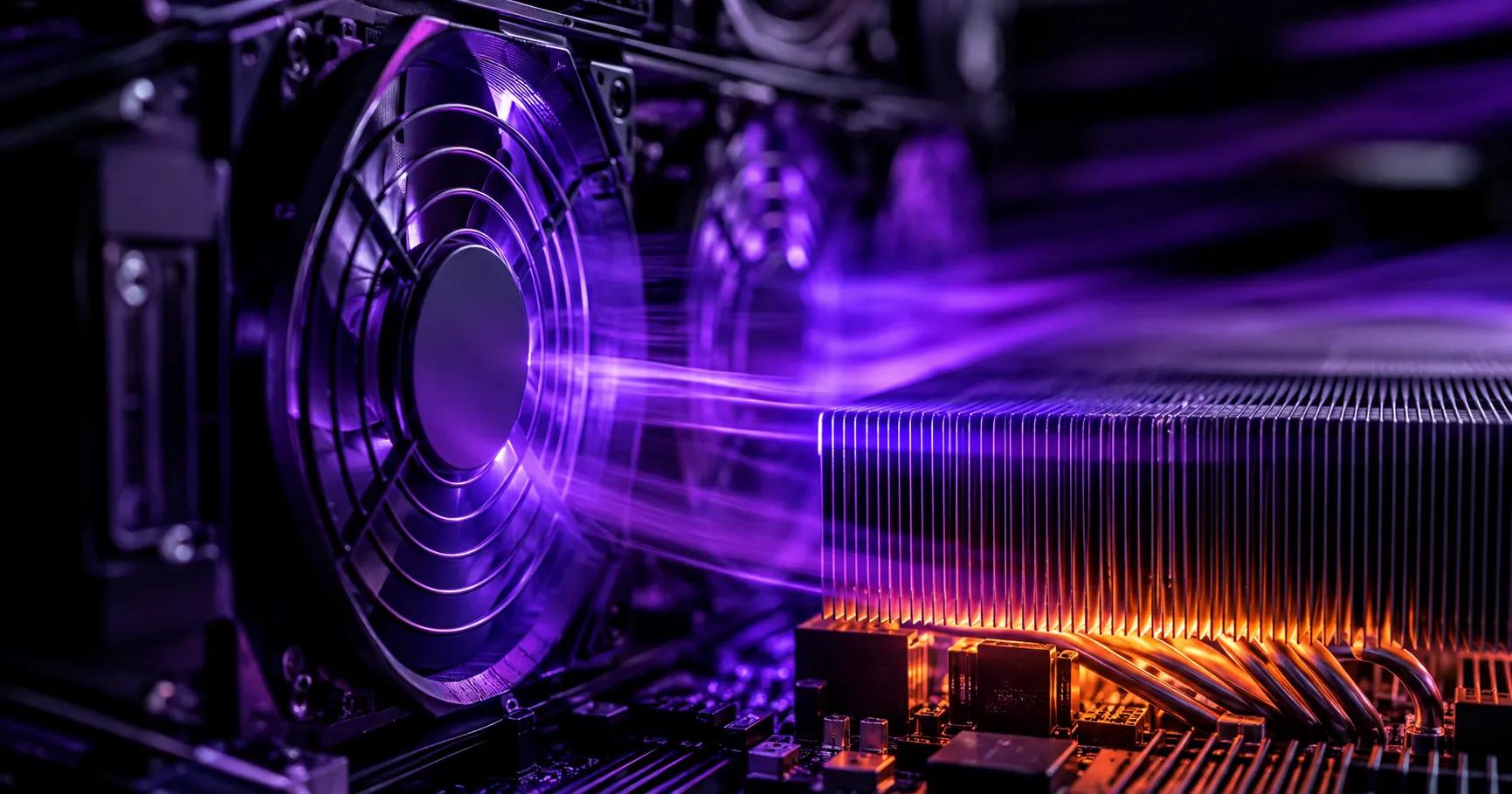
A PC that runs fast for the first few minutes of a render, a training job, or a long gaming session — then visibly slows down the longer it runs — isn't failing randomly. In almost every case, it's thermal throttling: the CPU or GPU deliberately cutting its own clock speed to keep its temperature inside a safe limit. It's a protection mechanism, not a fault, but for anyone running sustained workloads it quietly kills the performance they paid for.
Quick answer: thermal throttling happens when a chip's temperature approaches its rated limit and its firmware automatically lowers clock speed to bring heat back under control. It shows up as slowdowns, stutters, or inconsistent render/training times under long, sustained load — not usually on short bursts. The fix isn't a faster CPU or GPU; it's moving enough heat away from the chip fast enough to never hit that limit in the first place, which is a case, airflow and cooling-hardware problem more than a component problem.
What Thermal Throttling Actually Is
Every modern CPU and GPU has a maximum safe operating temperature set by its manufacturer (often called Tjunction max). Boost technologies — Intel Turbo Boost, AMD Precision Boost, NVIDIA GPU Boost — push clock speeds well above the chip's base rating when there's thermal headroom to do it, because that's where the extra performance comes from. The moment the chip's sensor reports it's getting close to that ceiling, the same firmware pulls clock speed back down, sometimes within milliseconds, to stop temperatures from crossing the line. That drop in clock speed is throttling, and it happens automatically regardless of what motherboard, OS, or software you're running.
This is why throttling is so easy to miss on short tasks and so damaging on long ones: a benchmark that runs for 30 seconds might never build up enough heat to trigger it, while the same chip doing a 45-minute render or an 8-hour training run can throttle for most of that time — quietly delivering a fraction of its rated performance while task managers and monitoring tools still show “100% usage.”
Why It Hits Harder Than People Expect on Consumer and Gaming PCs
Thermal throttling isn't unique to any one type of PC, but it shows up far more often — and far worse — on consumer and gaming builds than on machines actually engineered for sustained load, for a few concrete reasons:
- Cases built for looks, not airflow. Tempered-glass side panels and RGB-focused layouts often restrict intake and exhaust to keep the build visually clean, at the direct cost of the airflow that actually moves heat out of the case.
- Cooling sized for peaks, not sustained load. A cooler that keeps a chip comfortable during a 10-minute game session can fall well short during a multi-hour render, training run, or virtualization workload where heat keeps accumulating instead of dropping between bursts.
- Dust and airflow degrade over time. Fans and heatsinks that were adequate on day one lose effectiveness as dust builds up in filters and fin stacks — a slow decline that's easy to miss until performance has already dropped noticeably.
- Liquid cooling adds a failure mode of its own. AIO and custom-loop liquid cooling can move heat effectively when it's working, but pumps and tubing introduce a real leak risk directly over expensive components — a tradeoff worth knowing about, not just accepting as “premium cooling.”
The Real Symptoms — And What They're Telling You
Based on field experience deploying and supporting workstations and servers, the vast majority of “random” hardware complaints — hangs, blue screens, and components failing earlier than they should — trace back to one root cause: bad airflow, not bad components. The pattern is consistent enough to be genuinely diagnostic:
| Symptom | What's usually happening |
|---|---|
| Renders or training runs slow down the longer they run | Sustained-load throttling — heat builds up faster than it's removed |
| Random hangs or freezes under heavy use | A component hitting its absolute thermal limit, not just throttling |
| Unexpected reboots or BSODs during long sessions | Thermal protection cutting power rather than just clock speed |
| Components failing earlier than their rated life | Sustained high temperatures accelerating wear on the CPU, VRMs or drives |
None of these are solved by a faster chip — a faster chip under the same bad airflow just throttles from a higher peak, and often generates more heat doing it.
What “Server-Grade Cooling” Actually Means
Server-grade cooling isn't a marketing term for bigger fans or a bigger radiator — it's an engineering approach: high-mass air cooling paired with high-static-pressure fans, sized and arranged so the airflow path across the CPU, GPU and drives never gets choked, for as long as the workload runs. High-static-pressure fans specifically matter because they're designed to push air through dense heatsink fins and drive cages — where a typical case fan (built for open airflow) loses most of its effectiveness. The result is a build engineered around thermal physics for sustained load, not one that only looks like it's designed for it.
Deliberately choosing engineered air cooling over liquid cooling for this kind of sustained-load build is a real tradeoff, not a default: liquid cooling can outperform air on paper, but it does so at the cost of pump reliability and a leak risk sitting directly over the components it's protecting. For a machine that needs to run unattended for hours or days — a render job, a training run, a production server — that tradeoff usually isn't worth it.
How to Check if Your Own PC Is Thermal Throttling
This is worth checking whether or not you're planning to buy anything new:
- Run a monitoring tool (e.g. HWMonitor, HWiNFO, or your GPU vendor's overlay) during the actual long task that's underperforming — not a short benchmark — and watch clock speed alongside temperature.
- A clock speed that drops and stays lower as temperature climbs toward the chip's rated maximum is throttling in progress, not a coincidence.
- If temperatures plateau near the chip's limit for most of a long task, the cooling is undersized for that workload, even if it feels “fine” on shorter tasks.
- Compare render or training times for the same job done cold (first run of the day) versus after 30+ minutes of continuous use — a meaningful slowdown between the two is a strong throttling signal.
When It's Time to Consider a Purpose-Built Workstation
If a current machine is consistently throttling on the workloads that actually matter — long renders, AI training, virtualization hosts, or extended gaming-and-streaming sessions — better cooling almost always fixes more real-world performance than a component upgrade does on its own. ProStation Systems builds every custom tower workstation and server around this exact principle: airflow and thermal design engineered for the specific sustained workload it's built for, not fitted in afterward around a case chosen for looks. That's true whether the machine is going to train models (see our AI & ML server guide), render 4K/8K timelines (see our video production & VFX guide), or run a gaming-and-streaming rig for hours at a stretch (see our gaming + streaming build guide). Every build is fully configurable on our custom build page.
“Compared ProStation with three other vendors. Same specs, better price, faster delivery, and actual warranty support. The consulting call was genuinely helpful — not a sales pitch.” — Arjun Nair, Lead Developer, Cloud9 Systems
Every build starts with a free consulting call where we size cooling and airflow to your actual workload — not a generic spec sheet — and ships in about 4 working days of a confirmed spec with a 1-year warranty (extended available).
Frequently Asked Questions
Q1. What is thermal throttling in simple terms?
It's a CPU or GPU automatically lowering its own clock speed when it gets close to its maximum safe temperature, to protect itself from damage. It's a built-in safety mechanism, not a malfunction — but it directly reduces performance while it's active.
Q2. Why does my PC feel fine at first but slow down the longer I use it?
Short tasks often finish before enough heat builds up to trigger throttling. Long, sustained tasks — renders, training jobs, extended gaming sessions — give heat time to accumulate, which is exactly when undersized cooling starts to show.
Q3. Is liquid cooling always better than air cooling for a workstation?
Not necessarily. Liquid cooling can move heat very effectively, but it adds pump reliability concerns and a real leak risk directly over your components. Well-engineered high-static-pressure air cooling is often the more reliable choice for a machine that needs to run unattended for long periods.
Q4. Can I fix thermal throttling without buying a new PC?
Sometimes — cleaning dust from fans and heatsinks, improving case airflow, or reapplying thermal paste can help. But if the case and cooling were never sized for sustained load in the first place, there's a hard ceiling to how much those fixes can achieve.
Q5. Does a more expensive or higher-spec CPU/GPU throttle less?
Not on its own. A higher-spec chip under the same inadequate airflow will still throttle — often from a higher starting point, and sometimes generating more total heat in the process. Cooling has to scale with the workload, not just the component's rated performance.
Q6. How does ProStation Systems size cooling for a custom build?
We size airflow and cooling hardware around the specific sustained workload the machine is built for — rendering, AI training, virtualization, or extended gaming/streaming — during a free consulting call, rather than fitting a generic cooler to a generic case.
Final Recommendation
If a machine is consistently slower on long, real workloads than on short ones, treat that as a cooling and airflow problem first — not a reason to chase a faster chip that will run into the exact same ceiling. Build or size a workstation for the sustained load it will actually carry, not just its peak spec sheet.
Call +91 87962 44410 or book a free consulting call to get a workstation engineered for your actual workload, not just its spec sheet.