Shared GPU Workstation Setup for Data Science Teams
By Rohit, Founder ·
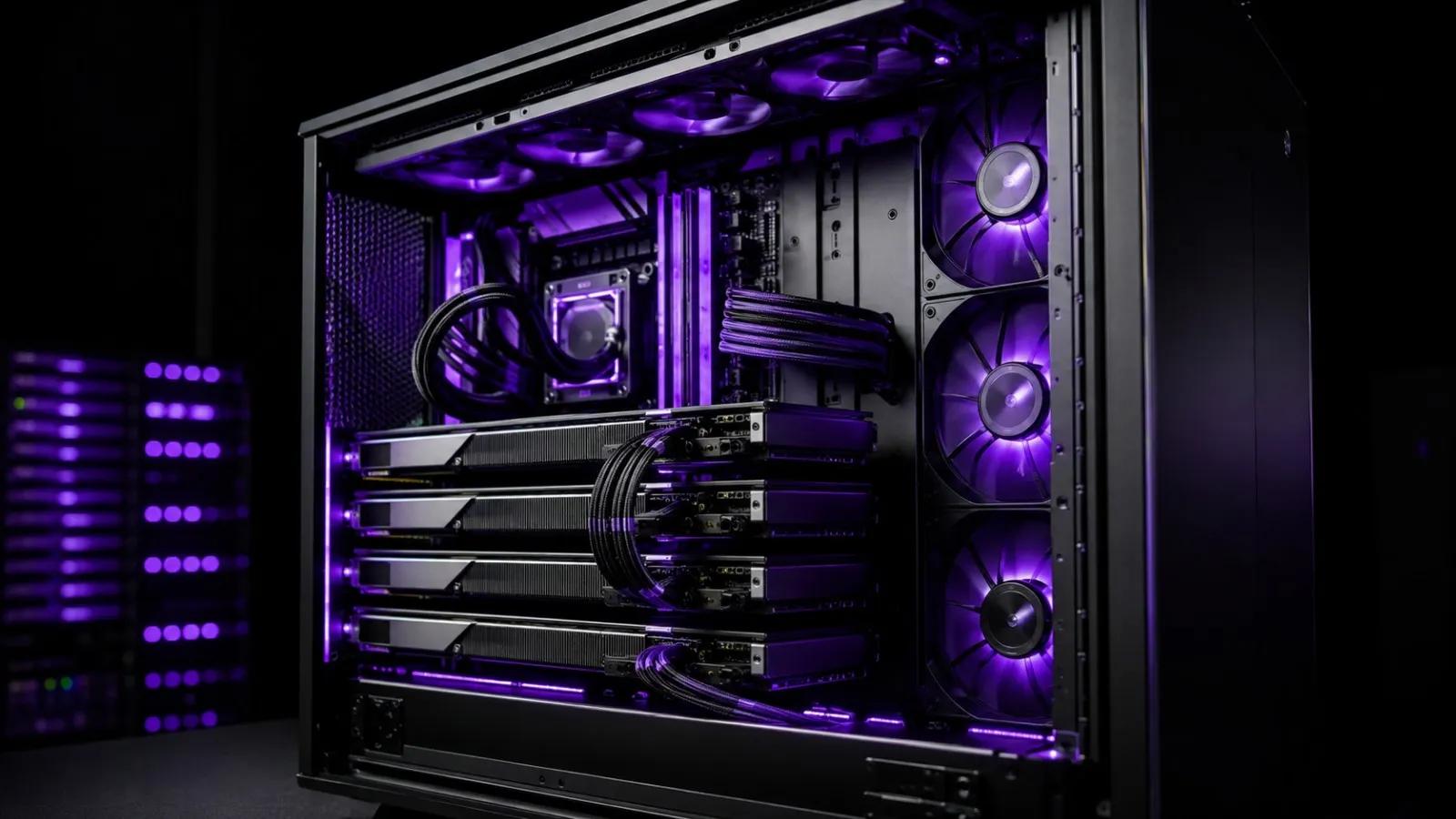
A data science team sharing one laptop's GPU over Slack messages ("can I train now?") doesn't scale past two people. The fix most teams reach for first — buying everyone a personal GPU laptop — is expensive and still leaves each person bottlenecked on their own single card. A better answer for most 2–15 person teams is one properly sized shared GPU workstation: a single server with enough GPU, RAM and storage that the whole team can run notebooks, training jobs and experiments on it at once, without stepping on each other.
Why One Shared Workstation Beats Individual Laptops
Data science work is bursty — most of a team's compute sits idle while someone reads a paper or cleans a dataset, then everyone wants a GPU at once before a deadline. A shared workstation pools that capacity instead of splitting it into small, mostly-idle chunks. It also keeps datasets, environments and checkpoints on one machine instead of scattered across five laptops, which matters the first time someone leaves the team mid-project. And a server-grade build with ECC RAM and proper cooling survives multi-day training runs that a laptop simply can't — thermal throttling on a 6-hour job is a real failure mode, not a hypothetical one.
Three Ways to Share One GPU Across a Team
The setup question isn't "how much hardware" first — it's "how does each person actually get access." Three approaches cover almost every team:
- JupyterHub with GPU scheduling — each team member logs into their own notebook environment on the same server; a resource manager (or simple GPU-scheduling scripts) queues jobs so two people don't silently collide on the same card. Simplest to set up, best for teams that mostly work in notebooks.
- Virtualization with GPU passthrough — Proxmox or VMware ESXi hands a dedicated GPU (or a partitioned slice of one, via NVIDIA vGPU/MIG on supported A-series and newer cards) to each person's own VM. Best when people need full OS-level control or run conflicting library/CUDA versions.
- Containerized workloads — Docker with the NVIDIA Container Toolkit, orchestrated by simple cgroup/resource limits or a lightweight scheduler. Fast to spin up, easy to standardize environments across the team, and the most common pattern for teams that are comfortable with Docker already.
Most teams under 10 people do fine with JupyterHub or containers on a single multi-GPU box. Past that, or once people need genuinely isolated environments, GPU passthrough via virtualization earns its extra setup complexity.
Sizing RAM, Storage and Network for Concurrent Users
The mistake teams make most often is sizing for one person's workload and multiplying by headcount — that overshoots GPU count and undershoots everything else. In practice:
- RAM scales faster than people expect, because data loaders, notebooks and preprocessing pipelines each hold their own copy of data in memory. Budget at least 32–64GB of system RAM per concurrent active user, in ECC memory — a silent memory error corrupting one person's checkpoint eight hours into a run is the kind of failure that's expensive to debug after the fact.
- Storage should separate fast scratch space (NVMe SSD, for active datasets and checkpoints) from bulk storage (larger-capacity drives or attached storage for archived datasets and older experiment runs) — putting everything on one small NVMe drive fills up fast with a team sharing it.
- Network matters more than most teams budget for. If datasets live on shared storage rather than local disk, a 1GbE link turns "load the dataset" into a coffee break for everyone at once. 10GbE is the practical minimum for a shared multi-user setup; 25GbE is worth it once you're moving large datasets or checkpoints between multiple users regularly.
Recommended Configurations by Team Size
| Team size | Tier | CPU | RAM | GPU | Network |
|---|---|---|---|---|---|
| 2–5 (small team) | Pro | Intel Xeon Scalable | 128–256GB ECC | 1–2x NVIDIA RTX | 10GbE |
| 5–10 (growing team) | Ultra | Dual Intel Xeon Scalable | 256–512GB ECC | 2–4x NVIDIA A-series | 25GbE |
| 10+ (multiple squads) | Multiple Ultra nodes | Dual Xeon per node | 512GB+ ECC per node | Multi-GPU per node, Tesla-class for production | 25GbE, dedicated dataset storage |
Once a team crosses roughly 10 concurrent users, the honest answer usually stops being "one bigger box" and becomes two or more Ultra-tier nodes with shared network storage — a single machine's GPU count becomes the queue everyone waits behind. That's a design conversation worth having before ordering, not after.
The same shared-compute math shows up outside corporate data science teams too — see our guide to compute server setup for college and research labs for how universities and research groups size shared GPU access across students and faculty.
Why Choose ProStation Systems
Sizing a shared workstation wrong is expensive twice — once on hardware you didn't need, and again on the GPU-hours your team loses waiting on a queue that's too short. ProStation Systems builds custom multi-GPU workstations and servers configured around how your team actually works: notebook-first, container-first, or VM-isolated, sized to real concurrent usage instead of a generic SKU, with ECC memory, enterprise cooling for sustained multi-user load, and networking sized for shared dataset access.
"Their pre-buy consulting saved us from over-spending. They understood our workload and recommended a config that was 30% cheaper than what we were about to order. Deployed in our office without any issues." — Priya Sharma, IT Manager, Fintech Startup, Bengaluru
Every build starts with a free consulting call to map your team's actual usage pattern to a GPU and RAM configuration, ships in about 4 working days of a confirmed spec, and comes with a 1-year warranty (extended available) and 24/7 support. See the AI/ML use case page, the virtualization use case page, and AI/ML labs for related builds, or the full server tiers for detailed specs. If your team is also training or fine-tuning models directly, our guides on custom AI/ML training workstations and LLM fine-tuning VRAM sizing go deeper on single-user specs.
Frequently Asked Questions
Q1. Can multiple people really share one GPU at the same time?
Yes, in a few ways: NVIDIA vGPU/MIG partitions a supported GPU into isolated slices, containers can time-share a GPU with scheduling, or each person simply queues jobs on a shared card via JupyterHub. Which one fits depends on whether your team needs hard isolation or can tolerate queuing.
Q2. How many GPUs do we actually need for a 5-person data science team?
For most 5-person teams doing notebook-based ML work, 1–2 mid-to-high-end GPUs on a Pro-tier build is enough if usage is staggered through the day. Teams running long training jobs concurrently need to scale closer to one GPU per 2–3 active users.
Q3. JupyterHub, VMs, or containers — which should we actually use?
JupyterHub is fastest to set up and best if your team mostly works in notebooks. Containers suit teams already comfortable with Docker who want standardized environments. VMs with GPU passthrough are worth the extra setup only when people need genuinely isolated OS environments or conflicting CUDA versions.
Q4. Do we need ECC RAM for a shared workstation?
Yes, more so than for a single-user machine — with several people's jobs running concurrently, a memory error has more chances to silently corrupt someone's checkpoint hours into a run, and ECC catches it before that happens.
Q5. What network speed do we need if datasets are on shared storage?
10GbE is the practical minimum once more than 2–3 people are pulling from shared storage regularly; 25GbE is worth budgeting for once large datasets or checkpoints move between users often.
Q6. Can we start smaller and add GPUs later?
Yes — ProStation builds are configured to be upgrade-friendly, so a team can start on a Pro-tier config and add GPU capacity as headcount or workload grows, instead of replacing the whole system.
Final Recommendation
Size a shared GPU workstation around how your team actually works — concurrent users, not headcount, and access pattern (notebooks, containers, or isolated VMs), not just GPU count. Get that right and one well-configured server comfortably replaces five under-utilized laptops.
Call +91 87962 44410 or book a free consulting call to size a shared GPU workstation around your data science team's actual workload.