Gaming + Streaming on One PC: Build Guide (2026)
By Rohit, Founder ·
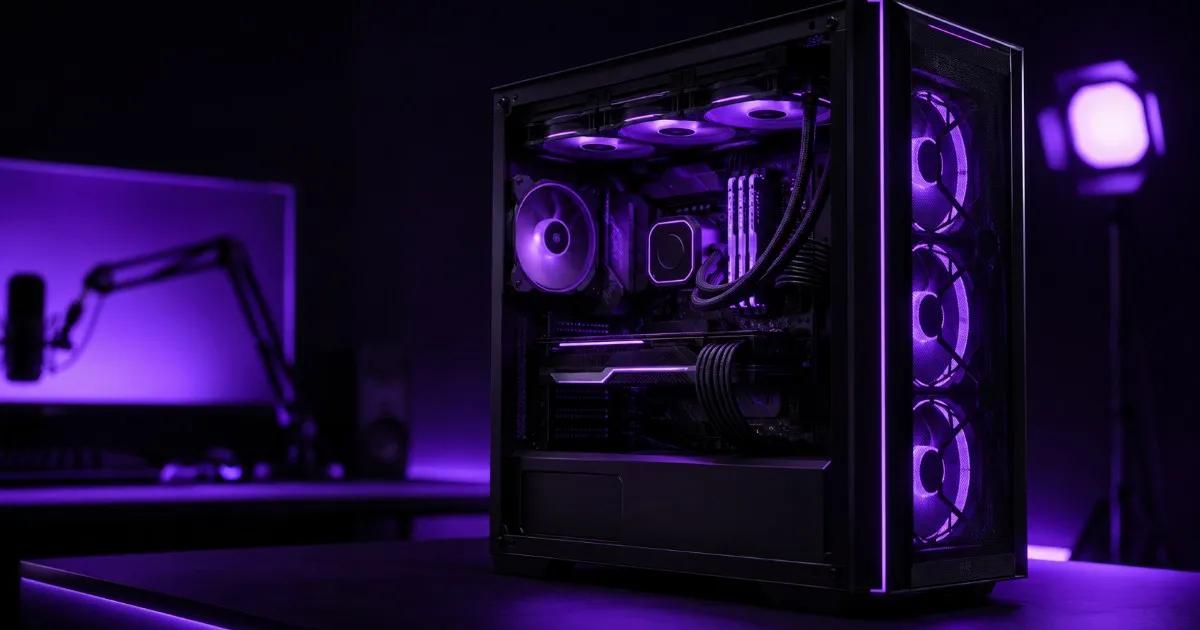
Most "gaming PC" builds fall apart the moment you add streaming to the mix — the same GPU rendering your game at high FPS also has to power an OBS encode, and a case/cooling setup designed for occasional gaming sessions starts thermal-throttling the second you run both for three hours straight. A PC built for gaming and streaming together needs a different design brief entirely: enough CPU headroom to run the encoder without stealing frames from the game, a GPU with the VRAM and encode engine to handle both jobs, and — the part most retail gaming PCs skip — server-grade sustained cooling that doesn't degrade after hour two of a long stream.
Why Gaming + Streaming Is a Harder Problem Than Gaming Alone
A pure gaming PC only has to hit high frame rates for the length of a match. A gaming-and-streaming PC has to do that while simultaneously encoding video in real time, pushing that encode to a streaming service over the network, often running Discord/chat overlays, and doing all of it for hours at a stretch without a frame-rate dip the audience can see. That's three concurrent workloads — game rendering, video encode, network I/O — competing for the same CPU and GPU, and it's exactly why a build that games great for 45 minutes can still choke the moment streaming is added to the load.
What a True Dual-Purpose Build Actually Needs
- CPU core count, not just clock speed — if you're encoding on the CPU (x264) rather than offloading to the GPU, you need real spare cores so the game doesn't get starved. Even with GPU-based encoding (NVENC/AMF), extra cores keep Discord, overlays, and background capture software from eating into game performance.
- A GPU with a dedicated hardware encoder — modern NVIDIA and AMD GPUs have a separate encode engine (NVENC/AMF) that doesn't compete with the rendering pipeline for the same silicon, which is the single biggest factor in keeping frame rates stable while streaming.
- Enough VRAM for both jobs — the game's textures and the encoder's frame buffer both live in VRAM; under-speccing this is a common reason streams stutter even when the CPU/GPU utilization numbers look fine.
- Sustained cooling, not burst cooling — retail gaming cases are tuned for a 1–2 hour session at peak load, then a cooldown. A 3–6 hour stream never gets that cooldown window, so thermal throttling creeps in exactly when the audience is watching. This is where server-grade cooling design — the kind built for 24×7 sustained load, not burst gaming — earns its keep.
- Fast storage and real RAM headroom — game assets, recorded VOD files, and OBS scene buffers all need fast NVMe and enough RAM that the OS isn't paging to disk mid-stream.
Recommended Configurations by Streaming Ambition
| Setup | Tier | CPU | RAM | GPU | Storage |
|---|---|---|---|---|---|
| Casual streaming to a small audience, 1080p60, GPU (NVENC) encode | Starter–Pro | Intel Xeon E / AMD EPYC (entry) | 32–64GB ECC | Mid-range NVIDIA RTX | 1TB NVMe SSD |
| Serious streamer, 1440p60+, heavier overlays/scenes, multi-app multitasking | Pro | Intel Xeon Scalable / AMD EPYC Milan | 64–128GB ECC | Higher-tier NVIDIA RTX | 2TB NVMe SSD |
| Full production setup — simultaneous 4K recording + stream, multiple capture sources, co-streaming/guest calls | Ultra | Dual Intel Xeon Scalable / AMD EPYC Genoa | 128–256GB ECC | Top-tier NVIDIA RTX / A-series | 4TB+ NVMe SSD (RAID) |
The jump from Starter/Pro to a full Ultra production rig usually isn't about the game itself — it's driven by how many extra things run alongside it: local 4K recording in parallel with the stream, multiple camera/capture sources, or guest calls layered into the scene. Size the tier around your actual production complexity, not just the game's system requirements.
ECC RAM for a Gaming PC? Yes — Here's Why It Matters More Than You'd Think
ECC memory is usually framed as a "server thing," but a long streaming session is exactly the scenario where a silent memory error is most likely to show up — hours of continuous encode, capture, and rendering all hammering RAM at once. On consumer non-ECC RAM, a rare bit-flip can cause a stream crash, a corrupted recording, or a subtle visual glitch mid-broadcast with no warning. ECC catches and corrects that error before it becomes a dropped stream. It's a small spec line that most gaming PC builders never mention, and it's part of why a server-grade build holds up better across long, unattended sessions than a typical retail gaming tower.
New Build vs Retail Gaming PC — Where the Difference Actually Shows Up
A retail gaming PC and a custom-built dual-purpose rig can share the exact same CPU and GPU model number on paper and still perform very differently under a 4-hour stream, because the difference isn't in the parts list — it's in case airflow, sustained power delivery, and whether the cooling was ever tested for anything longer than a benchmark run. A custom ProStation build is speced around your actual workload (game + encode + whatever else runs on top) with server-grade cooling philosophy built in from the start, rather than a cooling solution designed around a marketing spec sheet.
Why Choose ProStation Systems
Heat is the silent killer of long streaming sessions — a PC that games perfectly for the first hour and then quietly throttles in hour three isn't a software problem, it's a hardware one. ProStation Systems builds gaming-and-streaming rigs the same way we build every custom server: sized around the real, sustained workload (game rendering plus continuous encode, not just peak benchmark numbers), with cooling designed for hours of uninterrupted load, not bursts.
"Compared ProStation with three other vendors. Same specs, better price, faster delivery, and actual warranty support. The consulting call was genuinely helpful — not a sales pitch." — Arjun Nair, Lead Developer, Cloud9 Systems
Every build starts with a free consulting call to size CPU, GPU, and cooling around your actual game(s) and streaming setup — not a generic spec sheet — ships in 4 days, and comes with a 1–3 year warranty. See our video/rendering use case page and full server tiers for detailed specs. If your streaming setup is closer to a full editing-and-content pipeline than live gameplay, our guide on the best workstation for YouTube editing and streaming covers that adjacent build.
Frequently Asked Questions
Q1. Can one PC really handle gaming and streaming at the same time without frame drops?
Yes, if it's specced correctly — a GPU with a dedicated hardware encoder (NVENC/AMF) handles the video encode separately from game rendering, and enough spare CPU cores keep overlays, chat, and capture software from competing with the game for resources.
Q2. Do I need a separate PC for streaming, or can one machine do both?
A single well-specced machine handles both for the vast majority of streamers. A two-PC setup (one for gaming, one dedicated to encoding) only becomes worth the extra cost and complexity at a very high production tier — multiple capture sources, simultaneous 4K local recording, co-streaming with guests.
Q3. How much RAM do I actually need for gaming plus streaming?
32–64GB covers casual to serious streaming comfortably. Push toward 128GB+ once you're running a heavier production setup — multiple overlays, local recording alongside the stream, or other apps running concurrently.
Q4. Why does my current gaming PC throttle after a couple of hours of streaming?
Most retail gaming cases and coolers are tuned for shorter, bursty gaming sessions with cooldown periods in between. A multi-hour stream never gets that cooldown, so heat builds up steadily until the CPU or GPU throttles to protect itself — the fix is cooling designed for sustained load, not a bigger single fan.
Q5. Is ECC RAM overkill for a gaming and streaming PC?
No — long, unattended streaming sessions are exactly the scenario where a rare memory error is most likely to cause a crash or corrupted recording. ECC catches and corrects those errors silently, which matters more the longer and more unattended your sessions are.
Q6. Should I build this new or consider a refurbished server-grade machine?
For a gaming-and-streaming build, new is almost always the right call — you want current-generation GPU encode engines (NVENC/AMF improve meaningfully each generation) and the latest game compatibility, which refurbished enterprise hardware from our sister brand Serverwale isn't built around. See our new vs refurbished comparison for the full picture.
Final Recommendation
Size a gaming-and-streaming build around GPU encode capability and sustained cooling first — those two factors determine whether your stream holds steady for hours, far more than raw peak benchmark numbers do.
Call +91 87962 44410 or book a free consulting call to spec a dual-purpose gaming and streaming PC around your actual games and production setup.