Docker & Kubernetes Home Lab: Server Hardware for Cluster Practice
By Rohit, Founder ·
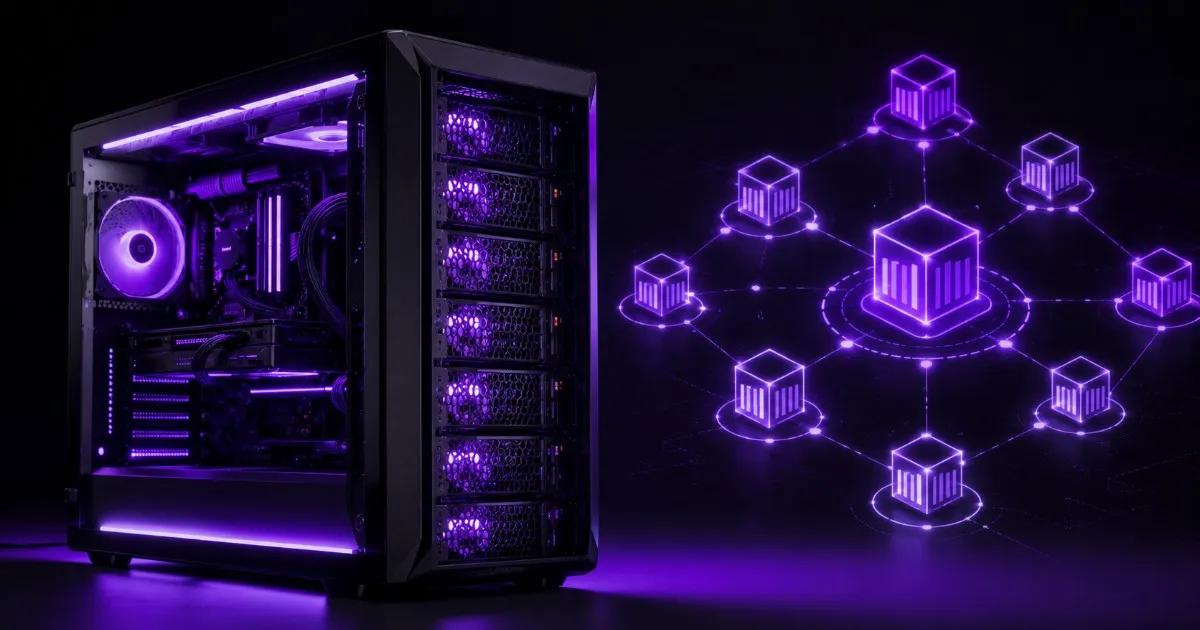
Most people trying to learn Docker and Kubernetes properly hit the same wall — a laptop running Minikube or Docker Desktop teaches you the commands, but it doesn't teach you what actually breaks in a real cluster: node failures, network policies across multiple nodes, persistent storage that survives a pod reschedule, or what a proper kubeadm multi-node cluster feels like under load. Cloud practice clusters solve that but bill by the hour and vanish the moment you stop paying. A single right-specced home server — enough RAM and cores to run several real VM or bare-metal nodes at once, with ECC memory so a bad bit doesn't quietly corrupt your etcd store — gives you a permanent, always-on cluster for a one-time cost instead of a recurring cloud bill.
Why a Laptop or Cloud Sandbox Isn't Enough
Minikube and Docker Desktop are fine for learning basic kubectl commands, but they run a single-node "cluster" that hides an entire category of real-world problems: multi-node scheduling, node drains, network policies between nodes, and storage that has to survive a pod moving to a different machine. Cloud-hosted practice clusters (a managed Kubernetes trial, or VMs rented by the hour) fix that, but the meter is always running, and most people either rush their practice to save money or let it idle and get billed anyway. A home server built to run 3–6 real VM nodes at once removes both problems — the cluster is always there, exactly as you left it, and the marginal cost of an extra hour of practice is zero.
What Hardware a Docker/Kubernetes Home Lab Actually Needs
- CPU core count over clock speed — a multi-node cluster runs several control-plane and worker VMs concurrently. 8–16 cores lets you run a realistic 3–5 node
kubeadmcluster without starving any single node. - RAM, and more than you'd guess — a minimum viable
kubeadmcontrol-plane node needs 2GB, but real practice (running actual workloads, Helm charts, ingress controllers, monitoring stacks like Prometheus/Grafana) eats RAM fast across every node. 64GB lets you run a genuinely useful 4–6 node cluster with headroom. - ECC RAM — etcd (Kubernetes' cluster state store) is sensitive to data corruption. A silent memory bit-flip on non-ECC RAM can corrupt cluster state in ways that are painful to diagnose; ECC catches it before it becomes a mystery outage.
- Fast local storage — NVMe SSD matters more here than in most home lab use cases, since container image pulls, etcd writes, and persistent volume I/O all hit disk constantly during active practice sessions.
- A real network setup — a 1GbE (or better, 10GbE) NIC and the ability to run multiple VMs on isolated virtual networks/VLANs, so you can practice network policies and CNI plugins (Calico, Cilium) the way you'd encounter them in production.
Recommended Configurations by Practice Goal
| What you're practicing | Tier | CPU | RAM | Storage |
|---|---|---|---|---|
| Docker fundamentals + single-node K3s (lightweight Kubernetes) | Starter | Intel Xeon E / AMD EPYC (entry) | 16–32GB ECC | 1TB NVMe SSD |
CKA/CKAD exam prep — 3–4 node kubeadm cluster (1 control-plane + 2–3 workers) | Starter–Pro | Intel Xeon Scalable / AMD EPYC entry-mid | 32–64GB ECC | 1–2TB NVMe SSD, RAID-1 |
| DevOps/platform practice — 5–6 node HA cluster + Helm, ingress, monitoring stack | Pro | Intel Xeon Scalable (3rd/4th Gen) / AMD EPYC Milan | 64–128GB ECC | 2TB NVMe SSD, RAID-10 |
Every node in a kubeadm cluster runs as a VM on the same physical box (via Proxmox or ESXi), so "3–4 nodes" doesn't mean 3–4 separate machines — it means one properly specced server carved into several VMs, which is exactly what makes this setup affordable compared to renting equivalent cloud capacity by the hour.
K3s vs Full kubeadm Kubernetes — Which Should You Practice On?
K3s is a lightweight, certified Kubernetes distribution that strips out some components and runs comfortably on far less RAM per node — a good starting point if you're new to containers and want to learn kubectl, deployments, and services without fighting resource limits. Full kubeadm-based Kubernetes (the setup closest to what CKA/CKAD exams and most production environments actually run) needs more RAM per node but teaches you the real control-plane components — etcd, kube-apiserver, kube-scheduler — that the certification exams and real DevOps jobs expect you to understand. If you're prepping for a certification, practice on kubeadm, not K3s; the exam environment matches it far more closely.
Brand-New Versus Refurbished for This Use Case
A Docker/Kubernetes practice server is another use case where the right answer depends on your goal, much like a general Proxmox/ESXi home lab. If your only goal is the cheapest possible entry into multi-node cluster practice and older CPU generations don't bother you, a tested refurbished enterprise server from our sister brand Serverwale gets you the ECC RAM and core count this workload needs for less upfront. If you want current-generation CPUs, faster NVMe throughput for etcd and image pulls, and support that understands what you're actually building, a custom ProStation build is the better fit — our new vs refurbished comparison covers the full tradeoff.
Why Choose ProStation Systems
A Kubernetes home lab built on the wrong hardware doesn't fail loudly — it fails as mysterious pod evictions, slow etcd writes, and cluster instability that looks like a Kubernetes problem but is actually a RAM or storage problem. ProStation Systems builds entry-to-mid tier custom servers specifically sized for multi-node virtualization workloads: real ECC RAM, NVMe storage fast enough for etcd and container I/O, and enough cores to run several VM nodes without starving each other.
"Compared ProStation with three other vendors. Same specs, better price, faster delivery, and actual warranty support. The consulting call was genuinely helpful — not a sales pitch." — Arjun Nair, Lead Developer, Cloud9 Systems
Every build starts with a free consulting call to size hardware around the actual cluster you're trying to run — K3s single-node, a 4-node CKA prep cluster, or a full HA setup with monitoring — ships in 4 days, and comes with a 1–3 year warranty. See our virtualization use case page and full server tiers for detailed specs. Once your practice cluster grows into real self-hosted services, our guide on self-hosting Nextcloud, Jellyfin and Home Assistant covers the storage and reliability side of that next step.
Frequently Asked Questions
Q1. How many nodes do I need for realistic Kubernetes practice?
For CKA/CKAD prep, 3–4 nodes (1 control-plane + 2–3 workers) mirrors the exam environment closely. For learning fundamentals, a single-node K3s setup is enough to start.
Q2. Can I run a Kubernetes cluster on a normal desktop PC?
You can for a single-node K3s setup, but running several VM nodes concurrently — the way real multi-node practice works — needs more RAM and cores than most desktops have, and non-ECC RAM risks silent etcd corruption during longer practice sessions.
Q3. How much RAM does a 4-node kubeadm cluster actually need?
Budget at least 4–8GB per worker node plus 2–4GB for the control-plane node, then add headroom for whatever you're deploying (ingress controllers, monitoring, sample apps). 32–64GB total covers a comfortable 4-node practice cluster.
Q4. K3s or full kubeadm Kubernetes for certification prep?
kubeadm — it matches the CKA/CKAD exam environment and real production clusters far more closely than K3s, which strips out components the exam and most jobs expect you to know.
Q5. Is a home Kubernetes lab cheaper than a cloud practice cluster long-term?
Yes, if you practice regularly. A cloud sandbox bills by the hour and adds up fast with repeated sessions; a home server is a one-time cost that then runs unlimited practice hours at effectively zero marginal cost.
Q6. Should I buy new or refurbished hardware for a Docker/Kubernetes home lab?
Refurbished (our sister brand Serverwale) is the cheaper entry point if you mainly need ECC RAM and core count on a budget. New with ProStation makes sense if you want current-gen CPUs, faster NVMe for etcd/image-pull performance, and support built around DevOps practice setups.
Final Recommendation
Size your Docker/Kubernetes home server around RAM and core count first, then fast NVMe storage — that combination determines whether you can run a realistic multi-node cluster smoothly, not raw CPU clock speed.
Call +91 87962 44410 or book a free consulting call to spec a home server sized to the cluster you're actually trying to practice on.