Home Lab Setup Guide: Proxmox & ESXi Server Hardware for Beginners
By Rohit, Founder ·
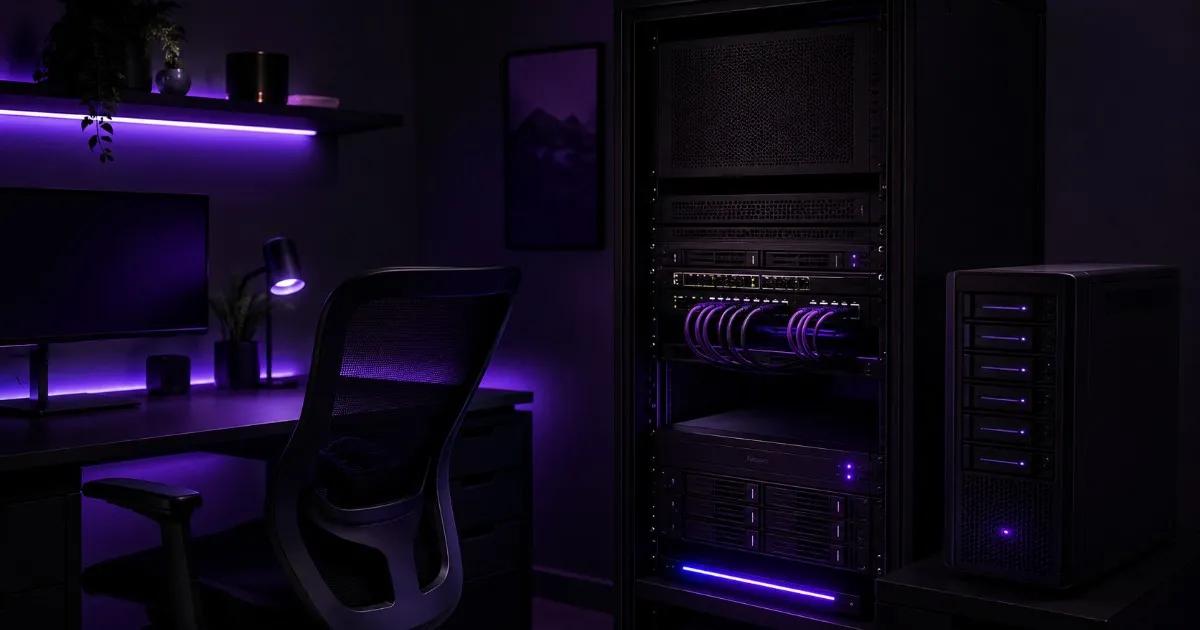
Most "home lab" journeys start the same way — an old desktop running Proxmox or ESXi in a corner, until it can't handle more than 2–3 VMs at once, or it doesn't have ECC RAM and a random crash corrupts a VM you cared about. The good news: you don't need enterprise-server money to fix this. A properly specced entry-level server — the right CPU core count, ECC RAM, and a real RAID setup — runs a genuinely useful home lab for years, whether you're learning Proxmox/ESXi for a certification, self-hosting a few services, or building a small VM sandbox to break things safely.
What Is a Home Lab, and Why Proxmox or ESXi?
A home lab is a personal server (or small cluster) you run outside of production, usually to learn virtualization, practice for certifications (VCP, RHCSA, CKA), self-host apps, or test configurations before touching anything at work. Proxmox VE is the default choice for most home labs now — free, open-source, KVM + LXC containers, and a much lighter licensing footprint than VMware. ESXi is still worth learning if your day job (or target job) runs VMware in production — the free/vSphere-limited tier is enough to build real skills, and hardware compatibility on off-lease enterprise gear is usually excellent.
What Hardware Actually Matters for a Home Lab
- CPU cores, not clock speed — a home lab runs many small VMs concurrently, not one demanding single-threaded task. 8–16 cores across the CPU(s) covers a serious beginner lab comfortably.
- ECC RAM — this is the one spec beginners skip to save money, and the one that bites hardest. A silent memory error on a non-ECC home PC corrupts a VM disk or a ZFS pool silently; ECC catches and corrects it before it becomes a 2 AM restore job.
- RAM headroom — Proxmox/ESXi themselves need very little, but every VM you spin up reserves its own chunk. 32GB feels like a lot until you're running 6–8 small VMs plus a couple of containers.
- Storage with real redundancy — a single consumer SSD with no RAID means one drive failure wipes every VM on the box. Even a basic RAID-1 (mirrored) pair changes that.
- Quiet, sustained-load cooling — a lab server often runs 24/7 in a home office or bedroom. Desktop-grade cooling built for bursty gaming loads isn't built for that; server-grade thermal design is.
Recommended Home Lab Configurations
| What you're doing | Tier | CPU | RAM | Storage |
|---|---|---|---|---|
| First Proxmox/ESXi lab, 3–6 light VMs | Starter | Intel Xeon E / AMD EPYC (entry) | 32–64GB ECC | 1TB NVMe SSD, RAID-1 |
| Cert prep (VCP/RHCSA), 6–12 VMs + a small cluster | Starter–Pro | Intel Xeon Scalable / AMD EPYC entry-mid | 64–128GB ECC | 1–2TB NVMe SSD, RAID-1/10 |
| Serious self-hosting + nested virtualization lab | Pro | Intel Xeon Scalable (3rd/4th Gen) / AMD EPYC Milan | 128–256GB ECC | 2TB NVMe SSD + HDD for bulk, RAID-10 |
Buy more RAM headroom than today's plan needs — RAM is the resource home lab users run out of first, almost always before CPU or storage.
Brand-New Versus Refurbished for a Home Lab
A home lab is honestly one of the few use cases where the "new vs refurbished" answer genuinely depends on your goal. If you're optimizing purely for cheapest possible entry into Proxmox/ESXi and don't mind older-generation hardware, a tested refurbished enterprise server from our sister brand Serverwale can get you lab-grade ECC RAM and RAID for less upfront. If you want current-generation CPUs, a clean build with no prior wear, full warranty, and support tuned to a first-time home lab builder's questions, a custom-built ProStation server is the better fit — see our full new vs refurbished comparison for the detailed tradeoffs.
Why Choose ProStation Systems
A home lab you build wrong — underpowered CPU, no ECC, one unprotected drive — teaches you to fight your own hardware instead of learning virtualization. ProStation Systems builds entry-tier custom servers specifically sized for home labs and cert prep: real ECC RAM, RAID-capable storage, and quiet sustained-load cooling that a repurposed gaming PC doesn't have, without paying for capacity you don't need yet.
"Their pre-buy consulting saved us from over-spending. They understood our workload and recommended a config that was 30% cheaper than what we were about to order. Deployed in our office without any issues." — Priya Sharma, IT Manager, Fintech Startup, Bengaluru
Every build starts with a free consulting call to match hardware to what you're actually trying to learn or run, ships in 4 days, and comes with a 1–3 year warranty. See our virtualization use case page and full server tiers for detailed specs. If your lab grows into a shared or multi-GPU setup later, our guides on shared GPU workstations for teams and RAID levels explained go deeper on scaling storage and access.
Frequently Asked Questions
Q1. Can I run a home lab on a normal desktop PC instead of a server?
You can start there, but you'll hit two walls fast: no ECC RAM (so memory errors go undetected) and no real RAID (so one drive failure loses everything). A basic entry-tier server fixes both for a modest cost increase.
Q2. How much RAM do I actually need for a beginner Proxmox lab?
32GB is a realistic starting point for 3–6 light VMs. If you're prepping for a certification that expects a small cluster (multiple nodes or a domain controller + app servers + a client VM), budget 64GB or more.
Q3. Proxmox or ESXi — which should a beginner learn first?
Proxmox if you're learning virtualization generally or plan to self-host long-term — it's free with no licensing limits and has an active community. ESXi if your target job or current employer runs VMware in production — the free/limited tier is enough to build transferable, resume-relevant skills.
Q4. Do I need RAID for a home lab, or is it overkill?
Not overkill — a home lab that survives one drive failure without losing every VM is the difference between a minor inconvenience and rebuilding your whole environment from scratch. Even a basic RAID-1 mirror is worth it.
Q5. Should I buy new or refurbished hardware for my first home lab?
Refurbished (our sister brand Serverwale) is the cheaper entry point if you mainly want ECC RAM and RAID on a budget and don't mind older CPU generations. New with ProStation makes sense if you want current-gen hardware, zero prior wear, and support built around first-time builders.
Q6. Can I add more VMs or a second node later without replacing the server?
Yes — ProStation builds are configured to be upgrade-friendly (extra RAM slots, drive bays), so most home labs grow by adding capacity rather than replacing the whole box.
Final Recommendation
Size your first home lab server around ECC RAM and basic RAID first, CPU core count second — that's what actually determines whether your lab survives a drive failure or a bad memory stick, not raw clock speed.
Call +91 87968 22044 or book a free consulting call to spec a home lab server sized to what you're actually trying to learn.