Edge Server for Factory IoT & SCADA Monitoring in India
By Rohit, Founder ·
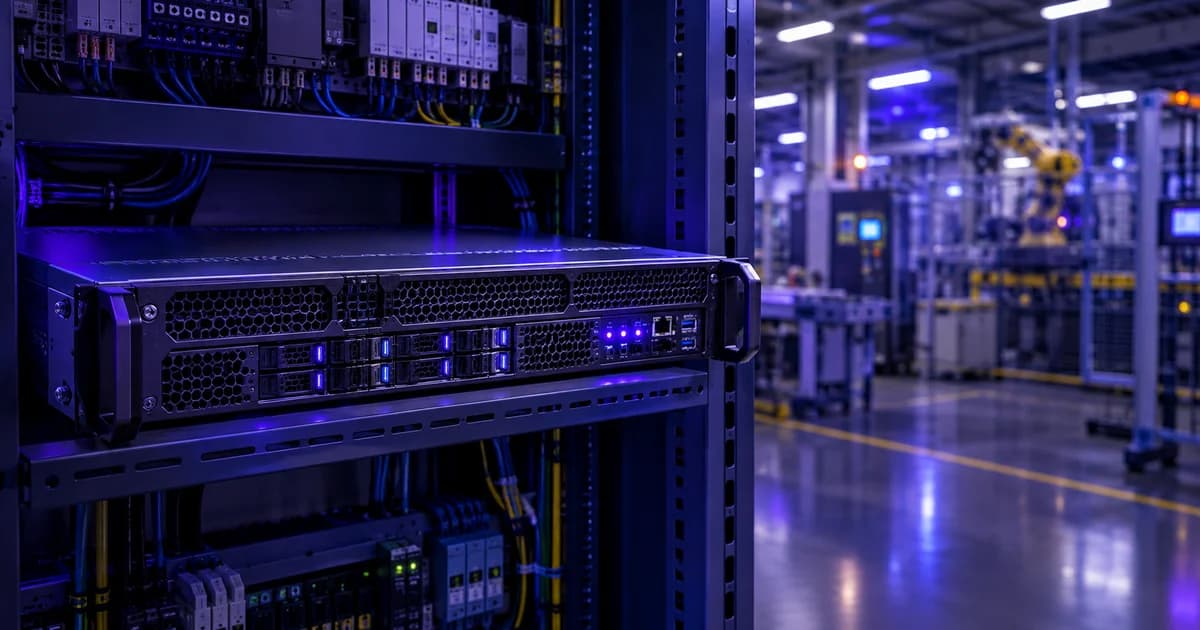
A production line doesn't pause for network latency. A SCADA system polling a PLC every few hundred milliseconds, or an HMI panel that needs to show an operator the current state of a machine right now, can't afford the round trip to a distant cloud server and back. That's the core reason factories run edge servers on-site instead of sending everything to the cloud — and it's also why a repurposed office PC or a generic tower usually fails within months on a factory floor.
Quick answer: an edge server for factory IoT and SCADA monitoring needs to sit physically close to the machines it talks to, run 24/7 without a scheduled reboot window, protect continuously-logged sensor data with ECC RAM and RAID, stay manageable without daily hands-on IT access (via IPMI/BMC), and handle the heat and dust of an industrial environment better than typical office hardware. It's a reliability and duty-cycle problem first, and a raw performance problem second.
What "Edge Computing" Actually Means on a Factory Floor
Edge computing simply means processing data close to where it's generated instead of sending it to a distant data centre first. In an Industry 4.0 / manufacturing context, that means a server sitting in the plant itself — often in an electrical room or a control cabinet near the production line — running the software that talks directly to PLCs (programmable logic controllers), sensors and SCADA/HMI systems.
Two things make this local placement matter more in manufacturing than almost anywhere else:
- Control loops need deterministic, low latency. A cloud round trip adds variable network delay. For monitoring and historian logging that's often tolerable; for anything closer to real-time control, it isn't — the server needs to be on the same local network as the equipment it's reading from.
- OT and IT networks are usually kept separate on purpose. Operational technology (OT) networks — the ones PLCs and SCADA systems run on — are commonly isolated from the general office/IT network as a basic security practice, so a compromised office laptop can't reach the machines that run the plant. An edge server that lives on the OT side, with its own dedicated network interface, fits that architecture; a server that only exists in the cloud doesn't.
The Core Hardware an Industrial Edge/SCADA Server Actually Needs
None of this is exotic hardware — it's the same reliability-first specification logic used for any server that can't be allowed to fail quietly, applied to a factory-floor environment specifically:
- ECC memory, non-negotiably. A SCADA historian is writing sensor readings continuously, often for years without a full restart. A single unprotected memory error can silently corrupt that data. ECC RAM catches and corrects those errors before they reach the database — the same reasoning our storage and backup server guide covers for any system logging data it can't afford to lose.
- RAID-protected local storage for the historian database. Years of tag-level sensor history is valuable — for compliance, for root-cause analysis after a failure, for planning maintenance. A single failed drive shouldn't be able to erase it. RAID 1, 5 or 10 (matched to how much history you're keeping and how fast you need to query it) is standard here, not optional.
- Redundant power supplies. Factory floor power is rarely as clean as a data centre's conditioned mains — motor start-up loads, welding equipment and heavy machinery on the same electrical infrastructure can cause real fluctuations. A dual-PSU build, ideally fed from two separate circuits, means one power event doesn't take the monitoring system down along with (or instead of) the equipment it's supposed to be watching. See our redundant power supply guide and UPS sizing guide for how to size the backup around this.
- Out-of-band management (IPMI/BMC). A server sitting in a control cabinet on the shop floor usually isn't somewhere IT staff walk past every day. IPMI lets you power-cycle, diagnose and monitor the machine remotely — including when its operating system is unresponsive — which matters a lot more when the alternative is a physical trip to the plant.
- Cooling engineered for continuous, unbroken load. A SCADA/historian server doesn't get idle periods the way an office workstation does — it runs at a steady load, in an environment that's often warmer and dustier than an office, for years at a stretch. We've written before about why bad airflow, not raw component quality, is the most common cause of workstation failure — that pattern is even more pronounced in a continuously-loaded industrial deployment than in a typical office one.
- A dedicated network path for the OT side. Because every ProStation build is custom-configured rather than picked off a fixed shelf, it's straightforward to spec a build with a network interface dedicated to the OT/control network, kept physically separate from whatever NIC (if any) touches the general office network — the segmentation practice described above, built into the hardware from day one instead of retrofitted later.
Sizing an Edge/SCADA Server by Scope
How much server you actually need depends on how much you're monitoring and what you're doing with the data, not on a fixed "factory server" template:
| Tier | Typical scope | Config |
|---|---|---|
| Starter | A single production line or cell — one SCADA/HMI instance, a modest tag count, basic historian logging | Entry Xeon E/EPYC, 16–64GB ECC RAM, 1TB NVMe, 1GbE/10GbE |
| Pro | Plant-wide SCADA across multiple lines, a larger historian database, possibly virtualizing the SCADA server alongside other plant IT services on one host | Xeon Scalable / EPYC Milan, 64–256GB ECC RAM, RAID storage, 10/25GbE |
| Ultra | Edge analytics or predictive-maintenance models running alongside SCADA on the same box — combining real-time monitoring with local compute-heavy inference | Dual Xeon Scalable / EPYC Genoa, 256–512GB ECC RAM, NVMe RAID, GPU option |
If you're consolidating SCADA with other plant services on one physical host — a genuinely common setup — the same ECC-memory, hardware-RAID and IPMI requirements apply doubly. Our virtualization server guide covers the sizing logic for running multiple isolated workloads reliably on a single host.
New vs Refurbished: Which Parts of This Setup Need to Be Brand-New
Not every piece of an industrial monitoring setup carries the same risk if it fails. The SCADA/HMI server itself — the one actually talking to live equipment and making that data visible to operators in real time — is where downtime has a direct, measurable cost, which is why we build it brand-new with a full warranty and 24/7 support: Standard covers one year, and Extended or Premium tiers add priority response and on-site visits for plants that can't wait out a slow support cycle when a line is down.
A long-term archival copy of historian data — say, five years of sensor logs kept for compliance or trend analysis, not queried in real time — is a genuinely different risk profile. For that kind of secondary, non-time-critical storage, a tested, warranty-backed refurbished NAS/SAN from our sister brand Serverwale is a sensible way to keep years of archive at a lower cost, while the live monitoring server itself stays new, purpose-specced hardware.
Frequently Asked Questions
Q1. Why not just run factory SCADA/monitoring in the cloud?
Because control loops and real-time HMI displays need low, predictable latency that a cloud round trip can't guarantee, and because OT networks are usually kept intentionally isolated from the general internet as a security practice. An on-site edge server keeps monitoring and control local while still allowing data to be forwarded upstream (to a cloud dashboard or ERP system) on your own terms.
Q2. Does a factory server need special "ruggedised" or dust-proof certification?
Not necessarily a formal ingress-protection rating — what actually matters most is proper thermal design for continuous load in a warmer, dustier environment than a typical office, plus components (ECC RAM, redundant PSU, RAID storage) chosen for reliability under 24/7 operation. We spec the cooling and component selection to your actual deployment environment during consulting rather than assuming an office-grade build will hold up.
Q3. Why is ECC RAM specifically important for a SCADA historian?
A historian database writes sensor data continuously, often for years without a full restart. A single unprotected memory error can silently corrupt that data before anyone notices. ECC memory detects and corrects these errors in real time, which is why it's standard on any ProStation server built for continuous data logging.
Q4. Can one server handle both SCADA and a predictive-maintenance or analytics workload?
Yes, if it's sized for it — that's typically a Pro or Ultra-tier build with enough CPU/RAM headroom to run both without the analytics workload competing with real-time monitoring for resources. We size this based on your actual tag count and the analytics workload during a free consulting call.
Q5. How is this different from a normal office virtualization server?
The reliability requirements — ECC RAM, RAID, redundant PSU, IPMI — are largely the same discipline. What's different is the operating environment (heat, dust, less frequent physical access) and the real-time nature of the workload, which is why cooling design and remote manageability matter even more here than in a climate-controlled server room.
Q6. How long does it take to get a custom edge/SCADA server built?
ProStation Systems delivers custom-built servers in about 4 working days from order confirmation — assembled from new components, stress-tested under real load, and backed by warranty and 24/7 support.
Final Recommendation
Size a factory edge/SCADA server around reliability and duty cycle, not raw specs: ECC RAM and RAID-protected storage to protect years of historian data, redundant power for an electrically noisy environment, IPMI for a machine you won't walk past daily, and cooling designed for continuous load — not a desktop tower pressed into a role it was never built for.
Call +91 87968 22044 or book a free consulting call to spec an edge or SCADA monitoring server around your actual plant, tag count and network requirements — see our server configurations for the tiers most industrial builds start from.