Revit & BIM Workstation Guide for Architecture Firms India
By Rohit, Founder ·
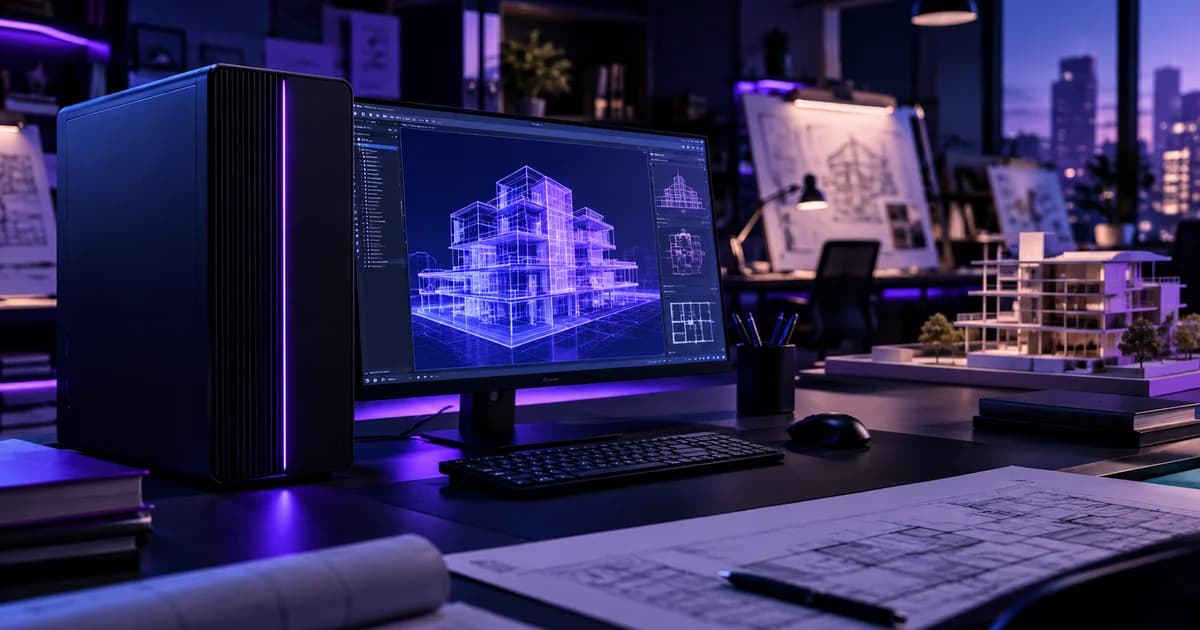
Quick answer: A good Revit and BIM workstation is built around three things — the highest single-core CPU speed you can get (most Revit modelling work runs on one thread), enough RAM for your model size (Autodesk's published Revit 2026 guidance is 16 GB for models up to roughly 300 MB and 64 GB or more for models up to roughly 1 GB), and fast NVMe storage for local copies of workshared models. A capable GPU matters for large 3D views and real-time visualization, but more CPU cores mostly help rendering, exports and file opening — not day-to-day modelling.
This guide is written for architecture firms, structural and MEP consultants and BIM teams in India who are buying or upgrading machines. It focuses on what is specific to BIM: model size, linked models and multi-consultant collaboration. For general SolidWorks, AutoCAD and simulation sizing, see our separate CAD & engineering workstation guide.
Why BIM Is Different From Generic CAD
A drawing in AutoCAD is a set of lines. A Revit project is a database: every wall, door, duct and beam is an element with parameters, relationships and views that all have to stay consistent. Three things follow from that:
- Model size grows with project scope, not just complexity of one part. A hospital or campus model with architecture, structure and MEP linked together is a very different load from a single-building residential model.
- Links multiply memory use. Revit projects commonly link the architectural, structural and MEP models together. Each linked model is held in memory while you work.
- Teams share one model. Firms use worksharing: a central model plus a local copy on each person's machine, with users periodically synchronizing changes. That puts weight on local disk speed and on where the central model is hosted.
What Actually Limits Revit Performance
Revit's interactive operations — regenerating views after a change, opening sheets, editing elements — are largely single-threaded. Other tasks such as rendering, exporting, opening and saving models and point-cloud display can use multiple cores. That difference decides where your money should go:
| What you do all day | What it mostly depends on | Where to spend |
|---|---|---|
| Modelling, editing, sheet and view regeneration | Single-core CPU speed | High-clock CPU first, core count second |
| Opening large models, working with many linked models | RAM capacity and NVMe read speed | 64 GB or more for large projects; NVMe SSD |
| Orbiting large 3D views | GPU and video memory | A dedicated GPU with enough VRAM |
| Rendering, exports, point clouds | Multi-core CPU and GPU | More cores help here, not in basic modelling |
| Synchronizing with the central model | Disk speed and network to the central model host | NVMe locally; a reliable LAN to the file host |
Sizing to Autodesk's Published Revit 2026 Requirements
Autodesk publishes system requirements for Revit 2026 in tiers. The figures below are from those published requirements; always check Autodesk's current Revit system requirements page for the version your firm runs.
| Autodesk tier | Model size guidance | RAM | Video memory |
|---|---|---|---|
| Entry-level | Up to roughly 300 MB on disk | 16 GB | 4 GB recommended |
| Performance | Large, complex models, up to roughly 1 GB on disk | 64 GB or higher | 8 GB or more recommended |
Other published points worth noting: Revit 2026 needs 64-bit Windows 10 (version 1809 or later) or Windows 11, so a BIM workstation must run Windows. Autodesk also recommends around 100 GB of free disk space for temporary files, so do not buy a small system drive.
A practical reading of this table: a small firm working on modest residential and commercial models can start at the lower end, but if you regularly link structure and MEP models or handle large institutional projects, plan for 64 GB from day one. RAM is difficult to add later if the platform is fully populated, so size for the biggest project you expect in the machine's three-to-four-year life, not the average one.
Storage: Local Copies and the Central Model
In a workshared project, each designer works on a local copy and synchronizes with the central model. Two storage decisions follow:
- On each workstation: use an NVMe SSD for the operating system, the local model copies and temp files. Opening and saving large models is where slow disks hurt. Our NVMe vs SAS vs SATA storage guide explains the differences.
- For the central model and project archive: a shared server or NAS on your office network keeps one authoritative copy with backups behind it. Redundant disks protect against a drive failure — see RAID levels explained — and our NAS setup guide covers file-sharing design. Note that RAID is not a backup; keep a separate backup copy of every project.
Firms that want a dedicated project file server can review ProStation's storage & backup servers. If a budget-friendly archive or secondary file server is the goal, our sister brand Serverwale sells tested refurbished servers as an alternative to new hardware; for a machine that holds live central models, most firms prefer new hardware with a full warranty.
GPU: How Much Do You Need?
Revit's viewport uses DirectX 11-class graphics. For typical documentation work an entry GPU with 4 GB of video memory is Autodesk's recommended floor, and 8 GB or more is recommended for large models. The GPU matters more if your team also uses real-time visualization or walkthrough tools alongside Revit, because those tools lean on the graphics card. Video memory is the number to watch — see how much VRAM you need for rendering for how VRAM limits scene size.
ProStation builds workstations with professional or NVIDIA RTX-class GPUs matched to your software list, as described on our Engineering & CAD industry page.
Is ECC Memory Necessary for Revit?
Autodesk does not require ECC memory for Revit. ECC RAM detects and corrects single-bit memory errors, which is a reliability benefit on machines that run for long sessions with large models open, and ProStation offers ECC on its workstation and server builds. It is a stability choice, not a Revit requirement — see ECC vs non-ECC RAM if you are deciding between the two.
Cooling, Noise and Uptime in a Design Studio
Workstations in architecture studios often sit next to the people using them for a full working day. Sustained load with poor airflow leads to thermal throttling and loud fans — the effects are explained in our guides on why workstations thermal throttle and quiet workstations for shared offices. For a studio with a deadline, machine downtime has a real cost; our downtime cost guide shows how to calculate yours and why the warranty tier you choose matters.
How ProStation Builds BIM Workstations
ProStation Systems builds brand-new, custom workstations and servers to your specification. For engineering and BIM work, the configuration listed on our engineering page is a high-clock Xeon, Core or Ryzen-class CPU, 64–256 GB of ECC memory, NVMe storage with project storage alongside, and an NVIDIA RTX or professional GPU. Our standard Starter, Pro and Ultra server tiers are server-oriented, so a Revit workstation is usually a custom configuration rather than a stock tier — start from the server and workstation configurator or book free pre-buy consulting and tell us your Revit version, typical model size and how many linked models you work with. We will size the machine to that, and builds are delivered in about four working days.
"Their pre-buy consulting saved us from over-spending. They understood our workload and recommended a config that was 30% cheaper than what we were about to order."
— Priya Sharma, IT Manager, Fintech Startup, Bengaluru
That feedback is from a different industry, but it reflects the approach we take with every firm: start from the workload, then choose the parts.
Checklist Before You Buy
- Note the size (on disk) of your largest current and expected Revit projects, including linked models.
- Confirm the Revit version and any visualization or add-in tools that will run beside it.
- Choose the CPU by single-core speed first, then cores for rendering and export.
- Choose RAM from the model-size table above, and leave upgrade headroom.
- Specify NVMe storage and at least 100 GB free for temporary files.
- Decide where the central model lives, and how it is backed up.
- Plan for cooling, noise and warranty in the space where the machines will actually sit.
Frequently Asked Questions
Q1. Which CPU is best for Revit?
Revit's interactive modelling is mostly single-threaded, so a CPU with high single-core speed usually beats a slower CPU with more cores for daily work. Extra cores help with rendering, exports and opening large models. Autodesk's own requirements recommend the highest single-core speed available.
Q2. How much RAM does Revit need?
Autodesk's published Revit 2026 guidance is 16 GB for models up to roughly 300 MB on disk and 64 GB or more for models up to roughly 1 GB. Linked models and other open applications add to that, so size for your largest project.
Q3. Does Revit need a professional GPU?
Revit needs a DirectX 11-capable graphics card. Autodesk recommends at least 4 GB of video memory, and 8 GB or more for large models. Whether you need a professional-class card depends on your software list and any certification requirements — mention them during consulting.
Q4. Can I run Revit on a Mac or Linux workstation?
Revit 2026 requires 64-bit Windows 10 or Windows 11 according to Autodesk's published requirements, so a BIM workstation should run Windows.
Q5. Where should the central model of a workshared project be stored?
On a reliable shared server or NAS on your office network, with redundant drives and a separate backup copy. Each designer keeps a local copy on an NVMe drive and synchronizes with the central model.
Q6. Can ProStation build a Revit workstation for my firm?
Yes. ProStation Systems builds custom workstations and servers for engineering and BIM workloads. Share your Revit version, project sizes and team size through free consulting or the configurator, and we will recommend a configuration.
Final Recommendation
Buy for the model, not the brochure: high single-core speed, RAM sized to your largest project, NVMe storage, and a GPU with enough video memory. Put the central model on a backed-up server, and make sure the cooling and warranty match a machine that runs every working day. To have a Revit or BIM workstation specified for your firm, call ProStation Systems on +91 87968 22044, message us on WhatsApp, or contact us.